Kubernetes for AI Engineers: Hands-on Guide
TL;DR
Here's the thing, Kubernetes can be a game-changer for AI engineers. Let me show you exactly how I do this - we'll cover the basics of Kubernetes, containerization, and orchestration, and then dive into some real-world examples. In my experience, the key to success is understanding how to manage and scale your AI models effectively.
Key Takeaways
- Understand the basics of Kubernetes and its components
- Learn how to containerize AI models with Docker
- Master the art of orchestrating AI workflows with Kubernetes
- Discover how to scale and manage AI models in production
- Avoid common pitfalls and mistakes when deploying AI models on Kubernetes
Introduction to Kubernetes
Kubernetes is an open-source container orchestration system for automating the deployment, scaling, and management of containerized applications. As an AI engineer, you'll need to understand how to use Kubernetes to deploy and manage your AI models.
Kubernetes Components
Kubernetes consists of several components, including pods, nodes, and clusters. A pod is the basic execution unit in Kubernetes, and it represents a logical host for one or more containers. A node is a machine in a Kubernetes cluster, and it can be either a physical or virtual machine. A cluster is a group of nodes that work together to provide a scalable and fault-tolerant environment for running containers.
Containerization with Docker
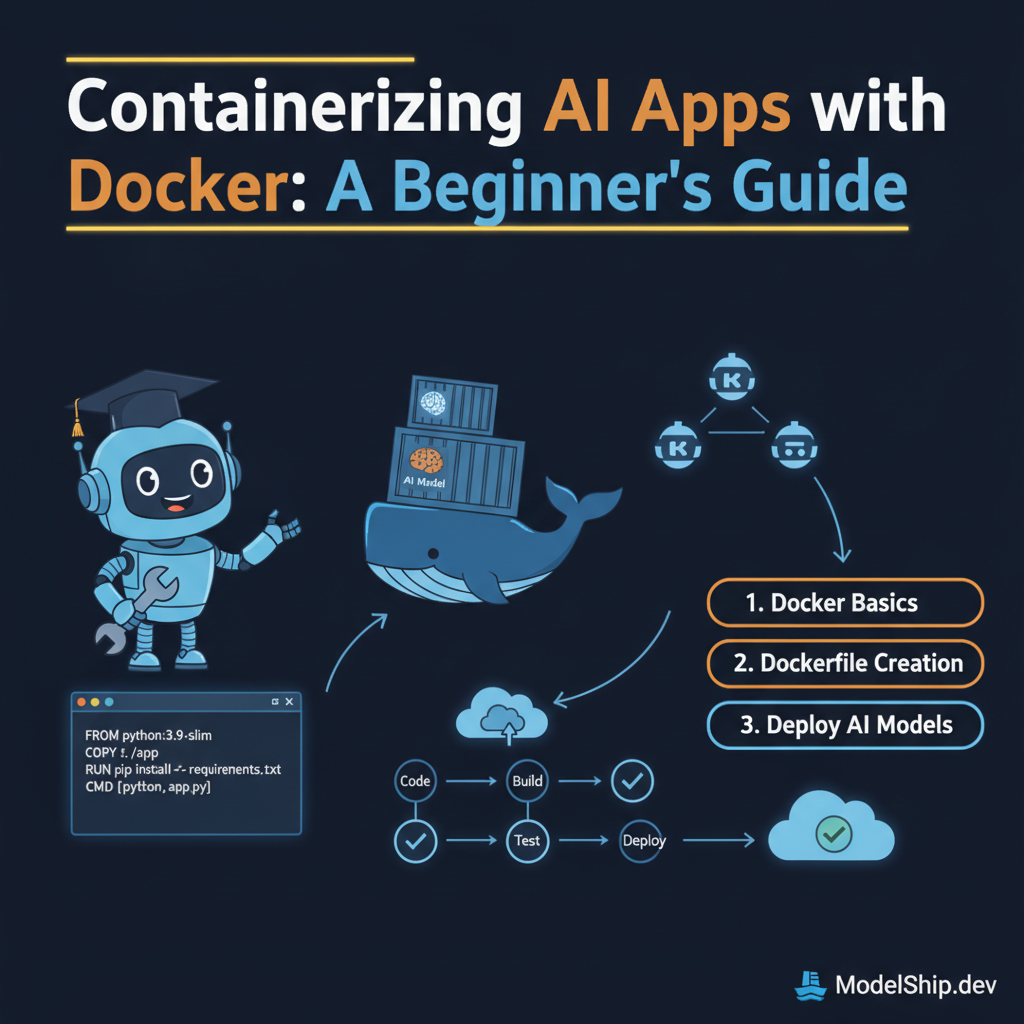
Before you can deploy your AI models on Kubernetes, you'll need to containerize them using Docker. Containerizing AI Apps with Docker: A Beginner's Guide provides a comprehensive introduction to containerization and how to use Docker to package your AI models.
Orchestrating AI Workflows with Kubernetes
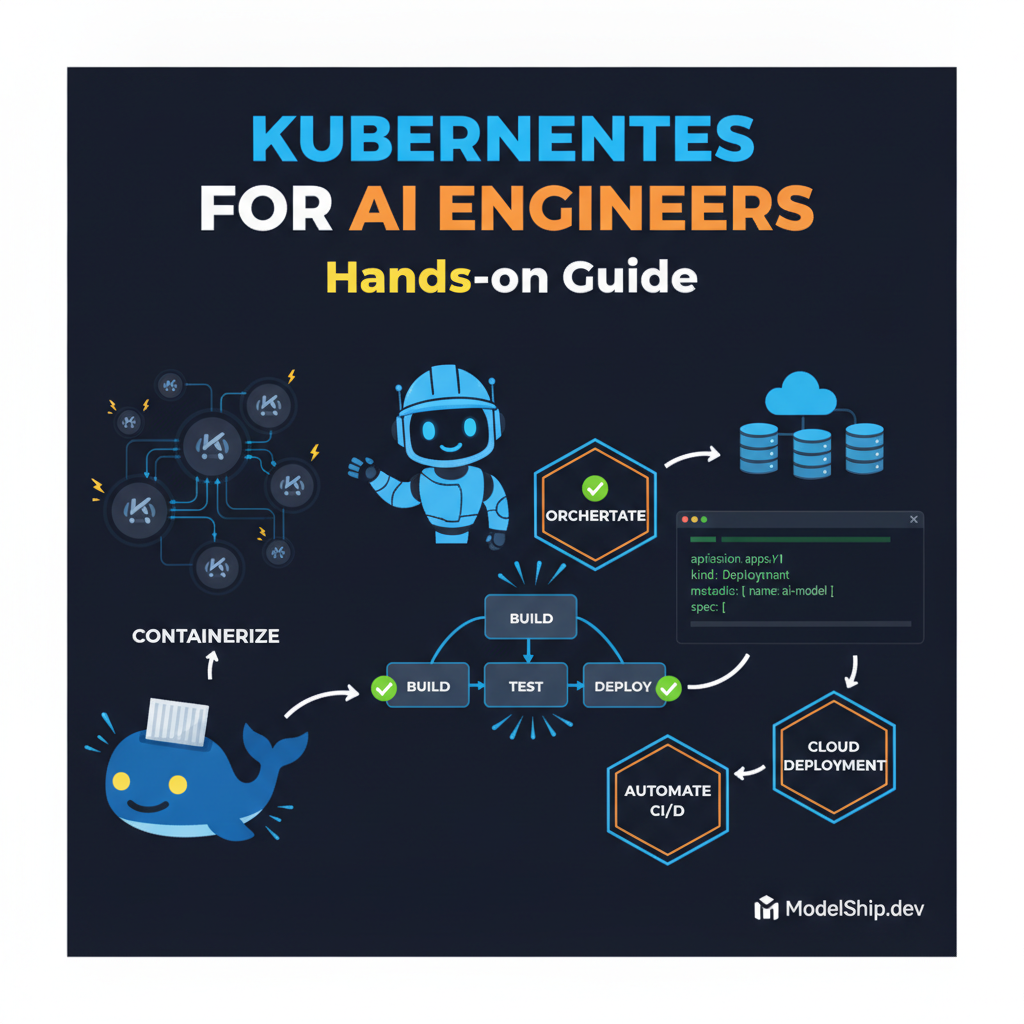
Once you've containerized your AI models, you can use Kubernetes to orchestrate your AI workflows. This involves creating a Kubernetes deployment that defines the desired state of your AI model, including the number of replicas, the container image, and the ports to expose.
Creating a Kubernetes Deployment
Here's an example of how to create a Kubernetes deployment for an AI model:
apiVersion: apps/v1
kind: Deployment
metadata:
  name: ai-model-deployment
spec:
  replicas: 3
  selector:
    matchLabels:
      app: ai-model
  template:
    metadata:
      labels:
        app: ai-model
    spec:
      containers:
      - name: ai-model
        image: ai-model-image
        ports:
        - containerPort: 8080
Scaling and Managing AI Models
One of the key benefits of using Kubernetes is the ability to scale and manage your AI models easily. You can use the Kubernetes command-line tool to scale your deployment up or down, and you can also use Kubernetes' built-in monitoring and logging tools to keep an eye on your models' performance.
Common Pitfalls and Mistakes
When deploying AI models on Kubernetes, there are several common pitfalls and mistakes to avoid. One of the most common mistakes is not properly configuring the Kubernetes cluster and deployment. This can lead to issues such as inadequate resource allocation, poor performance, and difficulty scaling the model.
Testing and Validating AI Models
Before deploying your AI models to production, you'll need to test and validate them to ensure they're working correctly. This involves creating a test environment that mimics the production environment, and then running a series of tests to validate the model's performance.
Answer: The purpose of testing and validating AI models is to ensure they're working correctly and meeting the required performance standards before deploying them to production.
Frequently Asked Questions
How do I get started with Kubernetes?
To get started with Kubernetes, you'll need to install a Kubernetes cluster on your machine. You can use a tool such as Minikube to create a local Kubernetes cluster, or you can use a cloud provider such as Google Kubernetes Engine (GKE) to create a managed Kubernetes cluster.
How do I deploy an AI model on Kubernetes?
To deploy an AI model on Kubernetes, you'll need to create a Kubernetes deployment that defines the desired state of your AI model. You can use the Kubernetes command-line tool to create a deployment, and you can also use a tool such as CI/CD for AI APIs with CircleCI and GitHub Actions to automate the deployment process.
How do I monitor and log AI models on Kubernetes?
To monitor and log AI models on Kubernetes, you can use a tool such as Monitoring AI API Performance with Prometheus and Grafana to collect metrics and logs from your AI models. You can also use Kubernetes' built-in monitoring and logging tools to keep an eye on your models' performance.
Conclusion
In conclusion, Kubernetes is a powerful tool for deploying and managing AI models. By understanding how to use Kubernetes, you can scale and manage your AI models easily, and ensure they're working correctly in production. Remember to avoid common pitfalls and mistakes, and to test and validate your AI models before deploying them to production.
7 years building production AI systems. I write about the stuff that actually works in the real world — practical code, real architectures, zero fluff.
More from Alex Chen →Discussion
Loading comments…
Leave a comment
Related Articles