Containerizing AI Apps with Docker: A Beginner's Guide
TL;DR
When I first learned about containerizing AI applications, I was confused too. But with Docker, it's actually pretty straightforward. Here's the thing nobody tells beginners: you don't need to be a DevOps expert to get started. Don't overthink it, just follow along and you'll be deploying your AI models in no time. Let's build something real and get started with containerizing AI applications.
Key Takeaways
- Understand the basics of Docker and containerization
- Learn how to create a Dockerfile for your AI application
- Deploy your AI model using Docker
- Monitor and manage your containerized AI application
- Scale your AI application with confidence
Introduction to Containerization
When I first learned about containerization, I was confused too. But it's actually pretty simple. Containerization is a way to package your application and its dependencies into a single container that can be run on any system that supports containers. This makes it easy to deploy and manage your application, especially when working with AI models.
What is Docker?
Docker is a popular containerization platform that makes it easy to create, deploy, and manage containers. With Docker, you can create a container that includes your AI model, its dependencies, and any other required libraries or frameworks.
Benefits of Containerization
Containerization offers many benefits, including ease of deployment, efficient resource usage, and improved security. By containerizing your AI application, you can ensure that it runs consistently across different environments and systems.
Creating a Dockerfile
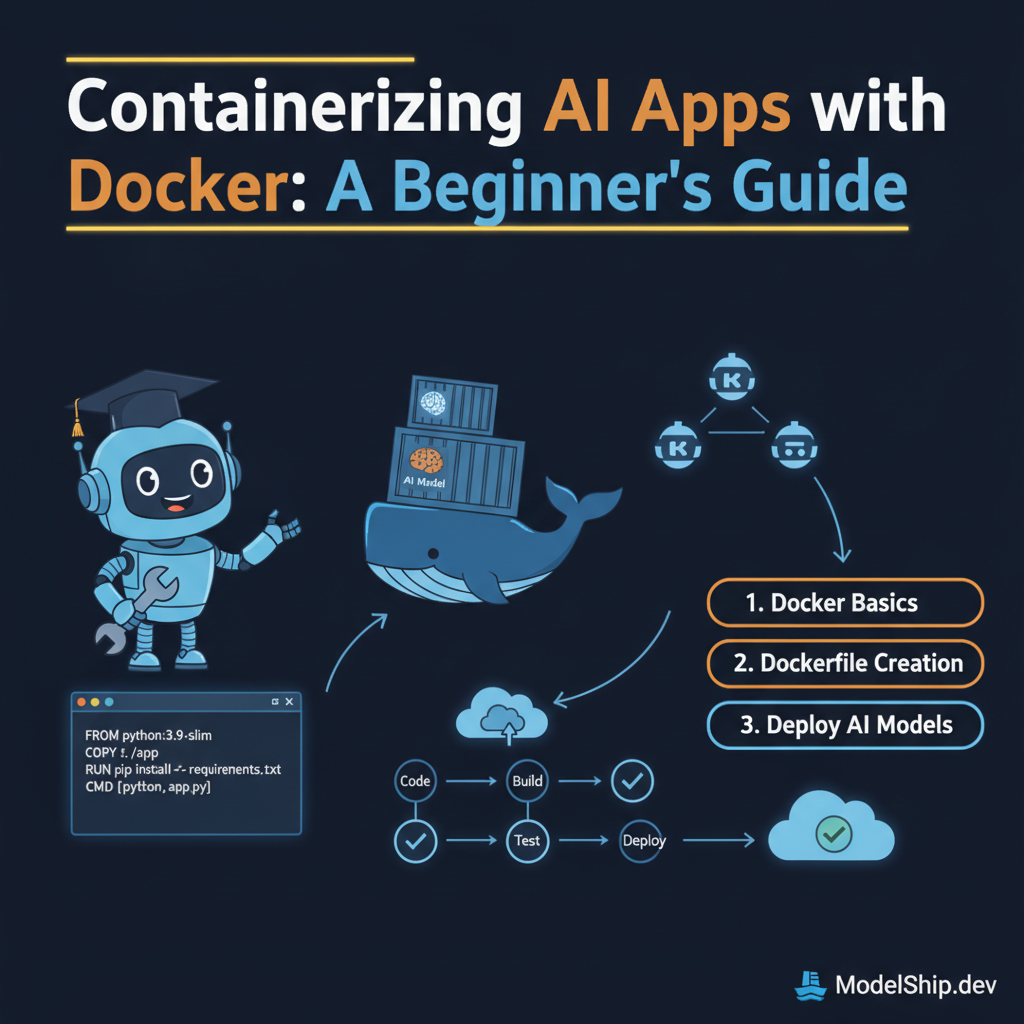
To create a Docker image, you need to create a Dockerfile. A Dockerfile is a text file that contains instructions for building your Docker image. Here's an example Dockerfile for a simple AI application:
FROM python:3.9-slim

# Set the working directory to /app
WORKDIR /app

# Copy the requirements file
COPY requirements.txt .

# Install the dependencies
RUN pip install --no-cache-dir -r requirements.txt

# Copy the application code
COPY . .

# Expose the port
EXPOSE 8000

# Run the command to start the development server
CMD ["python", "app.py"]
Building the Docker Image
To build the Docker image, navigate to the directory containing your Dockerfile and run the following command:
docker build -t my-ai-app .Running the Docker Container
To run the Docker container, use the following command:
docker run -p 8000:8000 my-ai-appDeploying AI Models with Docker
Once you have created and run your Docker container, you can deploy your AI model to a production environment. You can use Kubernetes to manage and orchestrate your containers, or use a cloud platform like AWS or Google Cloud to deploy your containers.
Monitoring and Managing Containers
When deploying your AI model to a production environment, it's essential to monitor and manage your containers. You can use Prometheus and Grafana to monitor your container's performance and CI/CD pipelines to manage your container's lifecycle.
Test Yourself
Answer: The main benefit of using Docker is that it allows you to package your application and its dependencies into a single container that can be run on any system that supports containers.
Frequently Asked Questions
What is the difference between a Docker image and a Docker container?
A Docker image is a template that contains the code and dependencies for your application, while a Docker container is a running instance of a Docker image.
How do I troubleshoot issues with my Docker container?
You can use the Docker logs command to view the logs for your container and troubleshoot any issues that may arise.
Can I use Docker for non-AI applications?
Yes, Docker can be used for any type of application, not just AI applications. Docker provides a consistent and reliable way to deploy and manage applications, making it a popular choice for developers and DevOps teams.
Conclusion
Containerizing AI applications with Docker is a straightforward process that can help you deploy your AI models securely and efficiently. By following the steps outlined in this article, you can create a Docker image, build a Docker container, and deploy your AI model to a production environment. Remember to monitor and manage your containers, and don't hesitate to reach out if you have any questions or need further guidance. Let's build something real and get started with containerizing AI applications!
Self-taught Python developer who went from zero to landing a dev job in 18 months. I write tutorials I wish existed when I was starting out — clear, practical, no gatekeeping.
More from Jordan Blake →Discussion
Loading comments…
Leave a comment
Related Articles