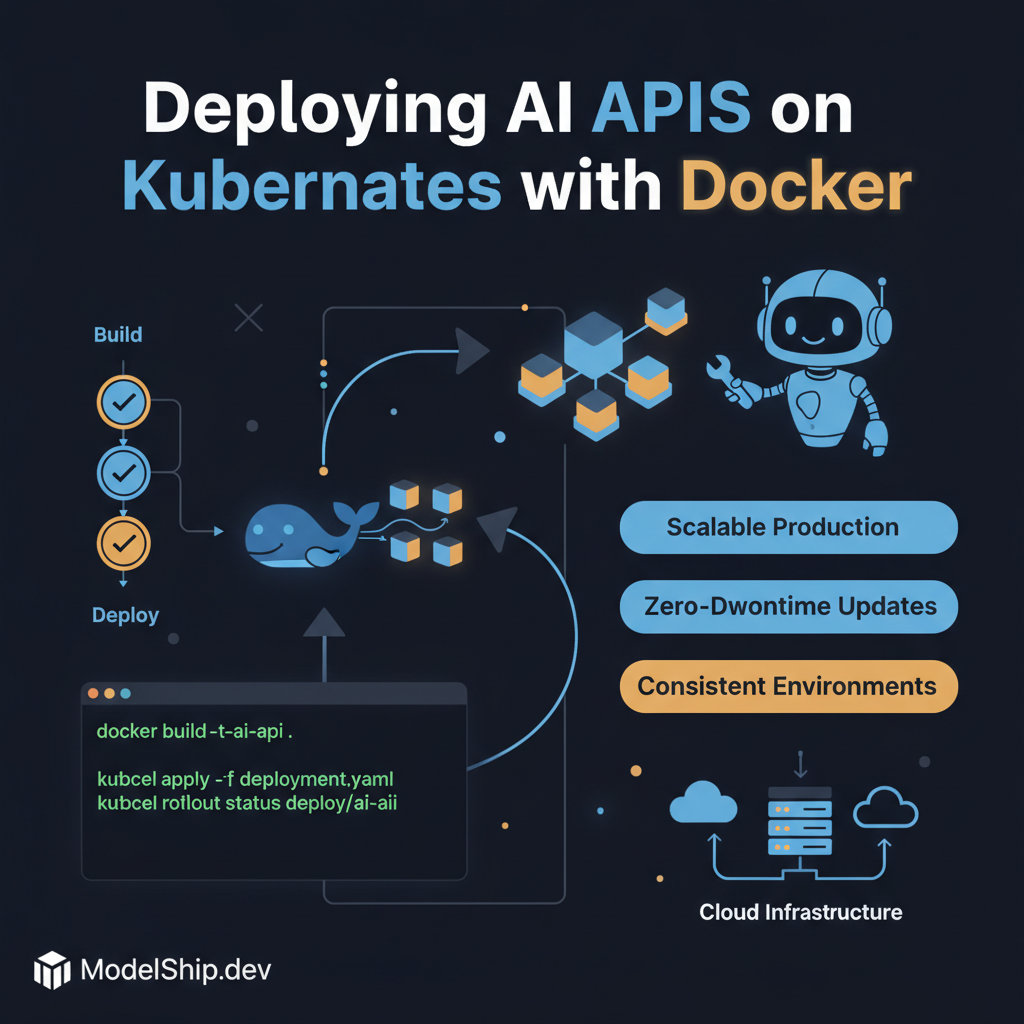
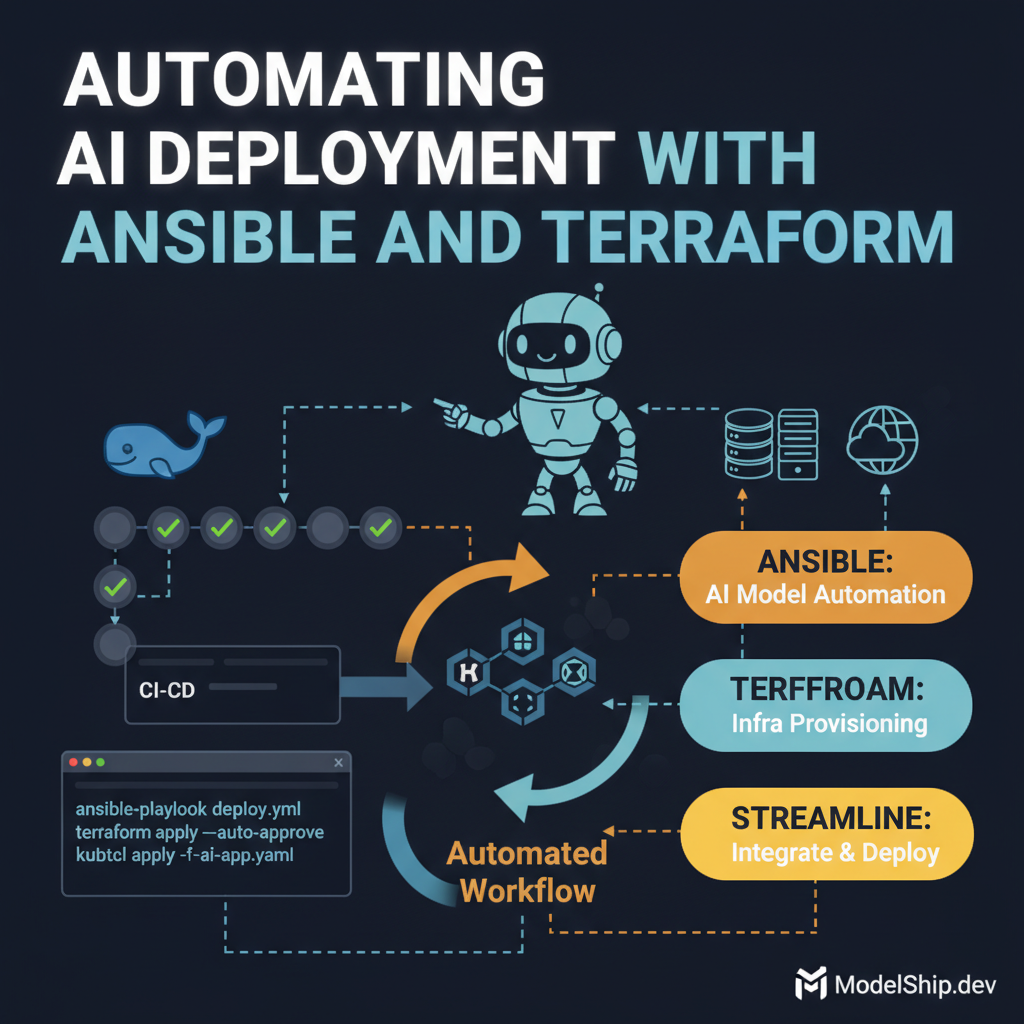
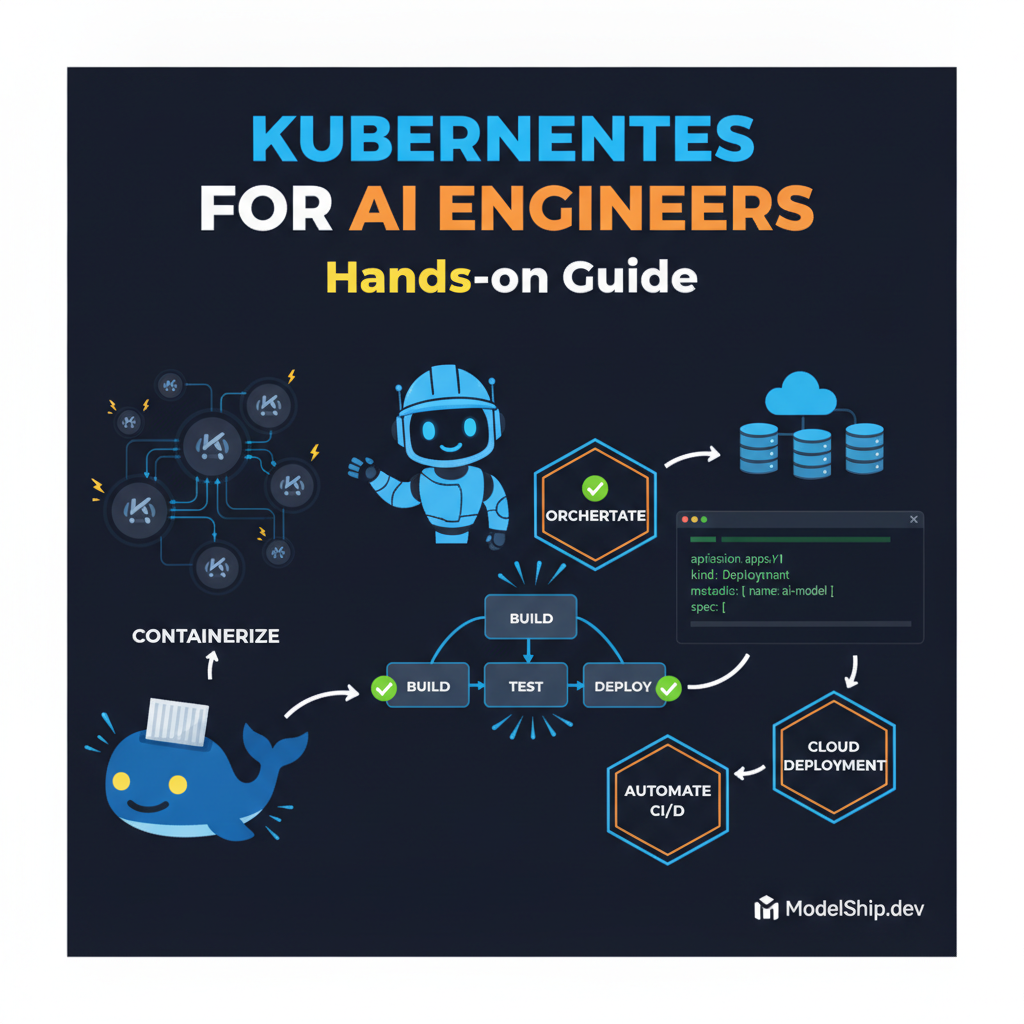
Skip the theory, here's what works: deploy your AI APIs on Kubernetes with Docker for a production-ready environment. I've been burned by this exact mistake, so follow my guide to avoid common pitfalls. Production tip: use Docker for containerization and Kubernetes for orchestration.
Key Takeaways
Use Docker for containerization to ensure consistent environments
Kubernetes is essential for orchestration and scaling in production
Implement rolling updates for zero-downtime deployments
Monitor and log your AI APIs for performance and error tracking
Avoid over-engineering your deployment process
Introduction to Deploying AI APIs
Deploying AI APIs on Kubernetes with Docker is a crucial step in taking your machine learning models to production. Most engineers get this wrong by over-complicating their deployment process. Here's the tradeoff nobody talks about: simplicity vs. scalability. You need to find a balance between the two.
Setting Up Your Environment
Installing Docker and Kubernetes
To get started, you'll need to install Docker and Kubernetes on your machine. I've found that using Docker for Node.js makes the process much easier. Once you have Docker installed, you can install Kubernetes using a tool like Minikube.
Configuring Your Cluster
Configuring your Kubernetes cluster is crucial for deploying AI APIs. You'll need to set up your cluster to use Docker as the container runtime. Here's an example of how to do this:
Important note: make sure to replace "your-docker-image" with the actual name of your Docker image.
Deploying Your AI API
Creating a Docker Image
To deploy your AI API, you'll need to create a Docker image. This image should include your machine learning model and any dependencies it requires. Here's an example of how to create a Docker image using a Dockerfile:
FROM python:3.9-slim
WORKDIR /app
COPY requirements.txt .
RUN pip install -r requirements.txt
COPY . .
CMD ["python", "app.py"]
Pushing Your Image to a Registry
Once you've created your Docker image, you'll need to push it to a registry like Docker Hub. This will allow you to pull the image in your Kubernetes cluster. Here's an example of how to push your image:
docker tag your-image-name:latest
docker push your-username/your-image-name:latest
Production tip: use a private registry like Docker Hub to store your images.
Orchestrating Your Deployment
Creating a Kubernetes Deployment
To orchestrate your deployment, you'll need to create a Kubernetes deployment. This will allow you to manage your pods and scale your deployment as needed. Here's an example of how to create a deployment:
Common mistake: don't forget to update your deployment configuration when scaling your pods.
Monitoring and Logging
Monitoring Your AI API
To monitor your AI API, you can use tools like Prometheus and Grafana. These tools will allow you to track the performance of your API and identify any issues. Here's an example of how to set up Prometheus and Grafana:
To log your AI API, you can use tools like Fluentd and Elasticsearch. These tools will allow you to track any errors or issues with your API. Here's an example of how to set up Fluentd and Elasticsearch:
apiVersion: v1
kind: ConfigMap
metadata:
  name: fluentd-config
data:
  fluentd.conf: |

      @type forward
      port 24224


      @type elasticsearch
      host elasticsearch
      port 9200
Test yourself: what is the difference between monitoring and logging? Answer: monitoring is used to track the performance of your API, while logging is used to track any errors or issues.
Frequently Asked Questions
What is the difference between Docker and Kubernetes?
Docker is a containerization platform, while Kubernetes is an orchestration platform. Docker allows you to package your application and its dependencies into a single container, while Kubernetes allows you to manage and scale your containers.
How do I scale my deployment?
To scale your deployment, you can use the Kubernetes CLI to update the number of replicas. You can also use tools like Prometheus and Grafana to monitor the performance of your API and identify any issues.
What is the best way to monitor and log my AI API?
The best way to monitor and log your AI API is to use tools like Prometheus and Grafana for monitoring, and Fluentd and Elasticsearch for logging. These tools will allow you to track the performance of your API and identify any issues.
Built and scaled AI systems that handle millions of requests. I write about what separates tutorial AI from production AI — the hard lessons, the battle-tested patterns.