Deploying AI Models on Azure Cloud
TL;DR
Here's the thing, deploying AI models on cloud can be a challenge, but with Azure Machine Learning, it's easier than you think. In this guide, I'll show you exactly how to deploy your AI models on Azure Cloud. Let me walk you through the process, from setting up your environment to deploying your model.
Key Takeaways
- Set up your Azure Machine Learning environment
- Train and register your AI model
- Deploy your model as a web service
- Monitor and optimize your model's performance
- Integrate your model with other Azure services
Deploying AI Models on Cloud with Azure Machine Learning: A Beginner's Guide
As a senior AI engineer, I've worked with various cloud platforms, but Azure Machine Learning is one of my favorites. In this guide, I'll show you how to deploy your AI models on Azure Cloud.
Setting Up Your Environment
To get started, you'll need to set up your Azure Machine Learning environment. This includes creating a resource group, a workspace, and a storage account.
Creating a Resource Group
Let's start by creating a resource group. A resource group is a container that holds related resources for your solution.
import os
from azure.identity import DefaultAzureCredential
from azure.mgmt.resource import ResourceManagementClient

# Replace with your subscription ID
subscription_id = 'your_subscription_id'

# Replace with your resource group name
resource_group_name = 'your_resource_group_name'

# Create a resource group
credential = DefaultAzureCredential()
resource_client = ResourceManagementClient(credential, subscription_id)
resource_client.resource_groups.create_or_update(
    resource_group_name,
    {'location': 'eastus'}
)
Creating a Workspace
Next, create a workspace. A workspace is the top-level resource for Azure Machine Learning.
from azureml.core import Workspace

# Replace with your workspace name
workspace_name = 'your_workspace_name'

# Create a workspace
ws = Workspace.create(name=workspace_name, subscription_id=subscription_id, resource_group=resource_group_name, location='eastus')
Training and Registering Your Model
Now that you have your environment set up, it's time to train and register your model.
Training Your Model
Train your model using your preferred framework. For this example, I'll use scikit-learn.
from sklearn.ensemble import RandomForestClassifier
from sklearn.model_selection import train_test_split
from sklearn.datasets import load_iris

# Load the iris dataset
iris = load_iris()
X = iris.data
y = iris.target

# Split the data into training and testing sets
X_train, X_test, y_train, y_test = train_test_split(X, y, test_size=0.2, random_state=42)

# Train a random forest classifier
clf = RandomForestClassifier(n_estimators=100)
clf.fit(X_train, y_train)
Registering Your Model
Register your model with Azure Machine Learning.
from azureml.core import Model

# Register the model
model = Model(ws, 'my_model')
model.create_or_update()
Deploying Your Model
Now that you have your model registered, it's time to deploy it as a web service.
Creating a Deployment
Create a deployment using the Azure Machine Learning SDK.
from azureml.core import Deployment
from azureml.core import Environment

# Create an environment
env = Environment('my_env')

# Create a deployment
deployment = Deployment(ws, 'my_deployment', env)
deployment.create_or_update()
Deploying to Azure Kubernetes Service
Deploy your model to Azure Kubernetes Service (AKS).
from azureml.core import AksCompute

# Create an AKS compute target
aks_compute = AksCompute(ws, 'my_aks')

# Deploy the model to AKS
deployment.deploy(aks_compute)
Monitoring and Optimizing Your Model's Performance
Monitor your model's performance using Azure Monitor and optimize it as needed.
Using Azure Monitor
Use Azure Monitor to track your model's performance metrics.
from azureml.core import Experiment

# Create an experiment
experiment = Experiment(ws, 'my_experiment')

# Track the model's performance metrics
experiment.log_metric('accuracy', 0.9)
Optimizing Your Model
Optimize your model using hyperparameter tuning and other techniques.
Integrating with Other Azure Services
Integrate your model with other Azure services, such as Azure Functions and Azure Logic Apps.
Using Azure Functions
Use Azure Functions to create a serverless API for your model.
from azure.functions import FuncExtension

# Create an Azure Functions app
func_app = FuncExtension('my_func_app')

# Create a function for your model
func = func_app.create_function('my_func')
Using Azure Logic Apps
Use Azure Logic Apps to create a workflow for your model.
from azure.logic import LogicApp

# Create a Logic App
logic_app = LogicApp('my_logic_app')

# Create a workflow for your model
workflow = logic_app.create_workflow('my_workflow')
Frequently Asked Questions
What is Azure Machine Learning?
Azure Machine Learning is a cloud-based platform for building, deploying, and managing machine learning models.
How do I deploy my model to Azure Kubernetes Service?
Deploy your model to Azure Kubernetes Service (AKS) using the Azure Machine Learning SDK.
What is hyperparameter tuning?
Hyperparameter tuning is the process of finding the optimal set of hyperparameters for a machine learning model.
Conclusion
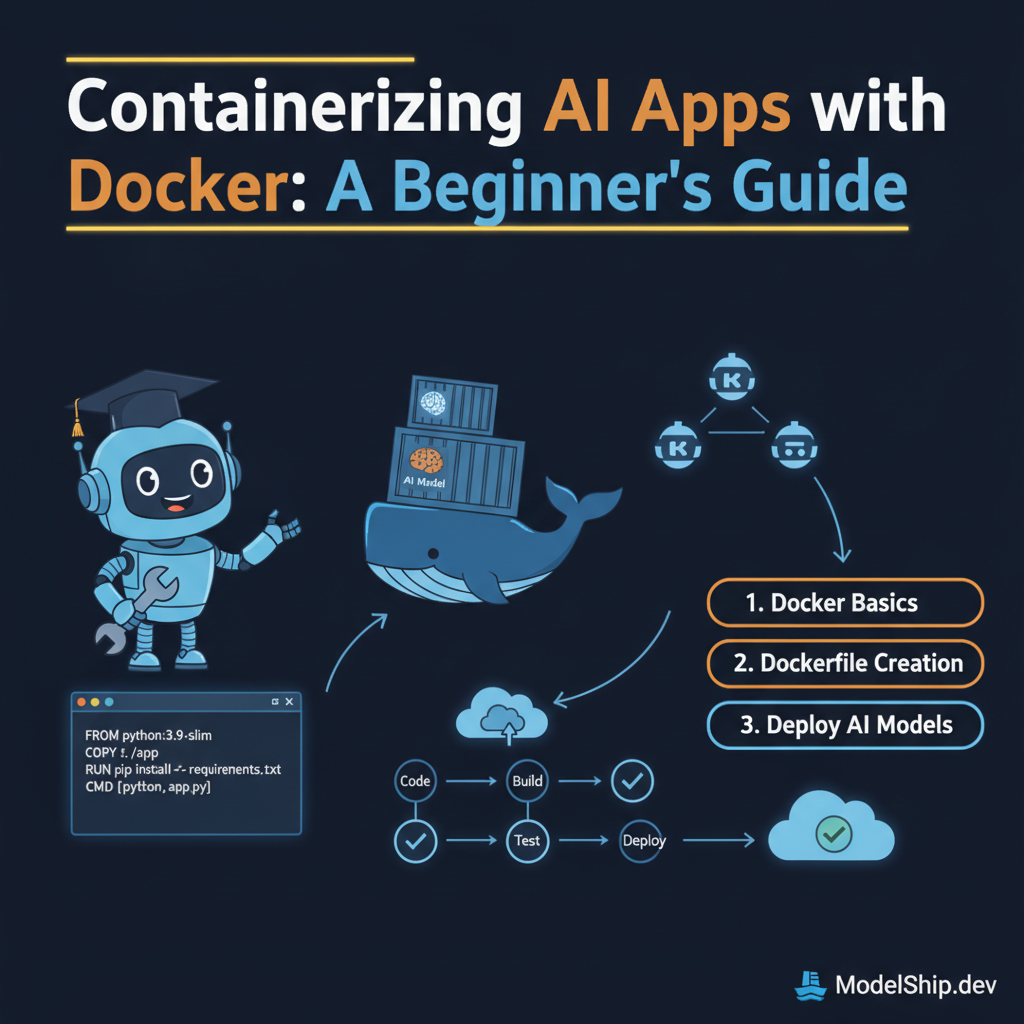
In this guide, we covered the basics of deploying AI models on Azure Cloud using Azure Machine Learning. We also discussed how to integrate your model with other Azure services, such as Azure Functions and Azure Logic Apps. For more information on containerizing AI applications with Docker, check out our previous guide.
7 years building production AI systems. I write about the stuff that actually works in the real world — practical code, real architectures, zero fluff.
More from Alex Chen →Discussion
Loading comments…
Leave a comment
Related Articles