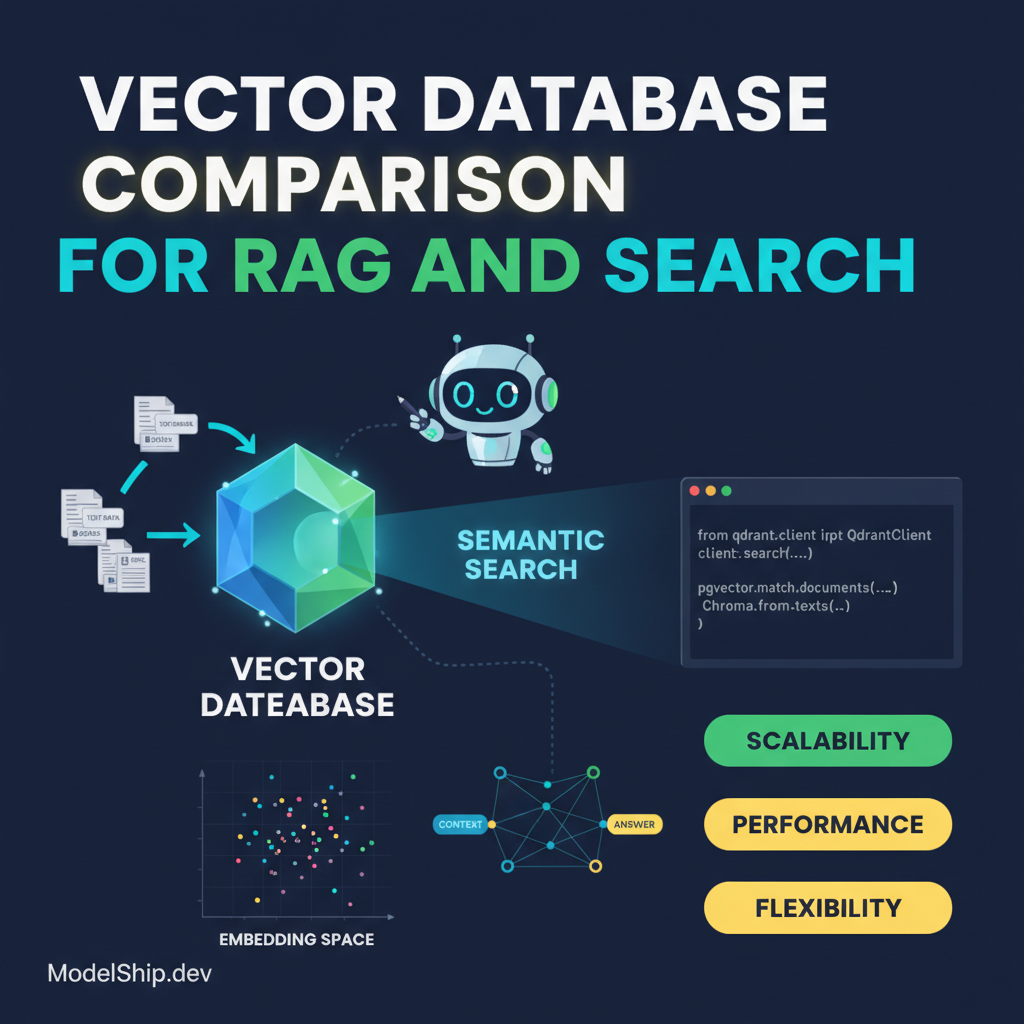
Vector Database Comparison for RAG and Search
TL;DR
When it comes to building efficient RAG and search systems, choosing the right vector database is crucial. In this article, we'll compare pgvector, Qdrant, and Chroma, and provide a step-by-step guide on how to get started with each. I love this trick because it saves you from tedious trial and error, and helps you make an informed decision. You don't need to be a programmer to understand the basics of vector databases, and by the end of this article, you'll be able to make an informed decision for your project.
Key Takeaways
- Understand the basics of vector databases and their importance in RAG and search applications
- Compare the features and performance of pgvector, Qdrant, and Chroma
- Learn how to choose the best vector database for your project
- Get started with implementing vector databases using real-world examples
- Avoid common mistakes and pitfalls when working with vector databases
Introduction to Vector Databases
Think of it like a library where you store books, but instead of books, you store vectors. Vectors are like directions in a high-dimensional space, and they're used to represent complex data like images, text, and more. When it comes to building efficient RAG and search systems, vector databases are a crucial component. Don't worry if you're new to this — we'll take it one step at a time.
Vector Database Options
There are several vector database options available, including pgvector, Qdrant, and Chroma. Each has its own strengths and weaknesses, and choosing the right one for your project can be overwhelming. Here's a simple way to think about it: pgvector is like a reliable old friend, Qdrant is like a sleek new sports car, and Chroma is like a versatile tool that can adapt to any situation.
pgvector
pgvector is a popular choice for vector databases, and for good reason. It's built on top of PostgreSQL, which means it inherits all the reliability and scalability of a mature database system. I love this feature because it makes it easy to integrate with existing systems.
import pgvectorQdrant
Qdrant is a newer player in the vector database space, but it's quickly gaining popularity. It's designed specifically for neural network-based applications, and it's optimized for performance. You don't need to be a programmer to understand the benefits of Qdrant, but it does require some technical know-how to get started.
import qdrantComparison of Vector Databases
So, how do pgvector, Qdrant, and Chroma compare? Here's a breakdown of their features and performance:
| Database | Features | Performance |
|---|---|---|
| pgvector | Reliable, scalable, easy to integrate | Good for small to medium-sized datasets |
| Qdrant | Optimized for neural networks, high-performance | Good for large datasets and high-traffic applications |
| Chroma | Versatile, adaptable, easy to use | Good for small to medium-sized datasets and prototyping |
Getting Started with Vector Databases
Getting started with vector databases can seem daunting, but it doesn't have to be. Here's a step-by-step guide to get you started:
- Choose a vector database that fits your needs
- Install and configure the database
- Import your data into the database
- Start querying and experimenting with your data
Common Mistakes to Avoid
When working with vector databases, there are some common mistakes to avoid. Here are a few:
Test Yourself
Frequently Asked Questions
What is a vector database?
A vector database is a type of database that's designed specifically for storing and querying vector data. Vectors are like directions in a high-dimensional space, and they're used to represent complex data like images, text, and more.
How do I choose the right vector database for my project?
Choosing the right vector database depends on the size of your dataset, the complexity of your application, and the level of technical expertise you have available. Consider factors like scalability, performance, and ease of use when making your decision. You can also learn more about building production RAG pipelines with Supabase pgvector to get a better understanding of the process.
Can I use a vector database for other applications besides RAG and search?
Yes, vector databases can be used for a variety of applications beyond RAG and search. They're particularly useful for any application that involves complex data and requires efficient storage and querying. For example, you can use vector databases for LangGraph-based agentic RAG for autonomous agents or evaluating RAG pipelines.
Conclusion
In conclusion, vector databases are a crucial component of efficient RAG and search systems. By understanding the basics of vector databases and choosing the right one for your project, you can unlock the full potential of your application. Remember to start small, experiment with different approaches, and avoid common mistakes. With the right vector database and a little practice, you'll be well on your way to building a powerful and scalable RAG and search system. You can also learn more about integrating retrieval-augmented generation with multi-agent systems to take your application to the next level.
I help everyday people understand and use AI tools without a tech degree. Former teacher turned content creator — I believe AI should be accessible to everyone.
More from Priya Patel →Discussion
Loading comments…
Leave a comment
Related Articles