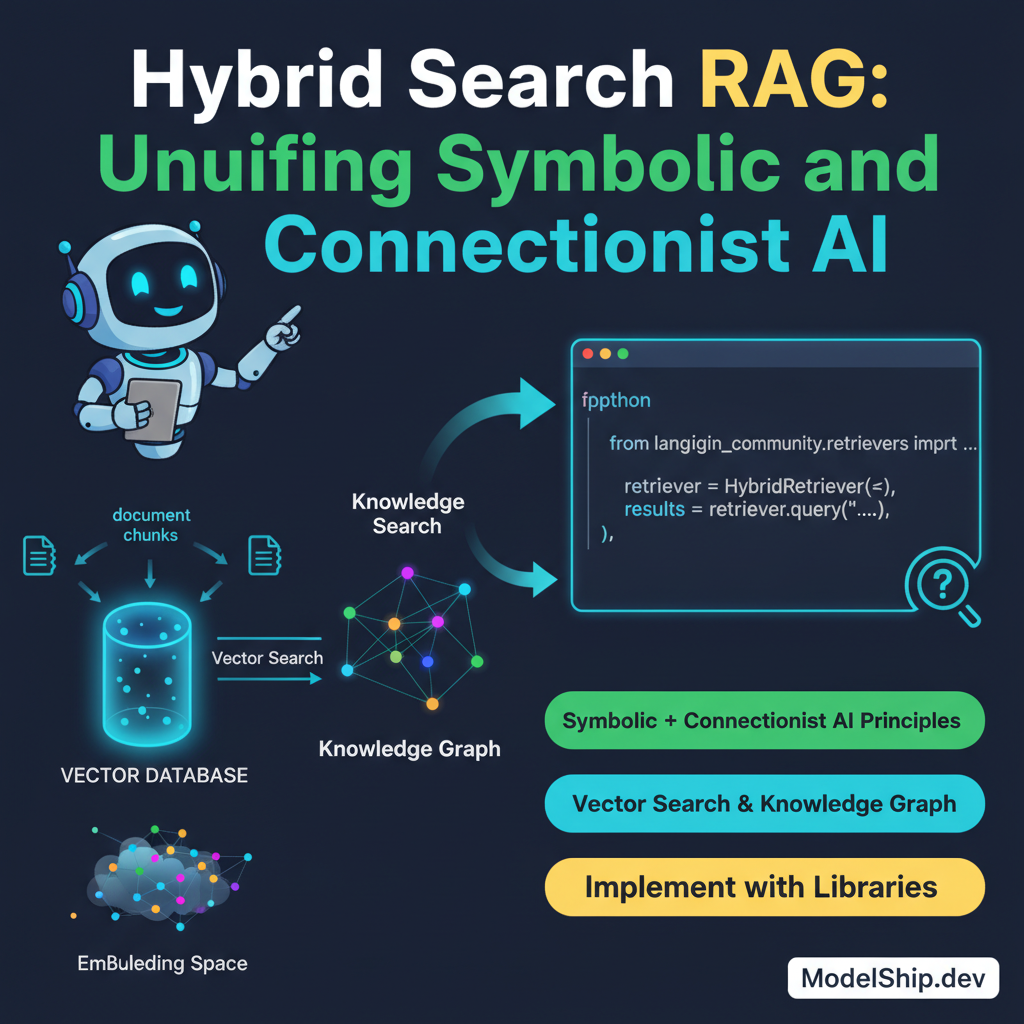
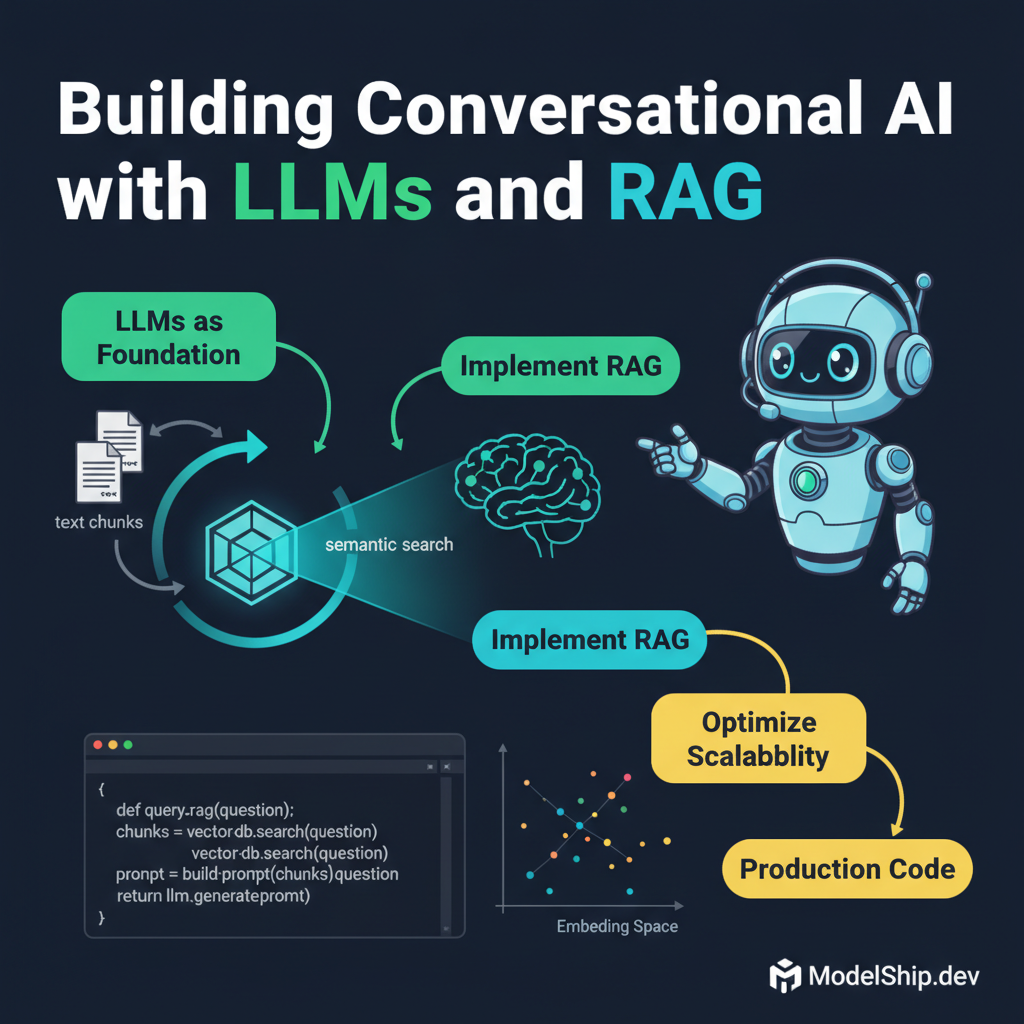
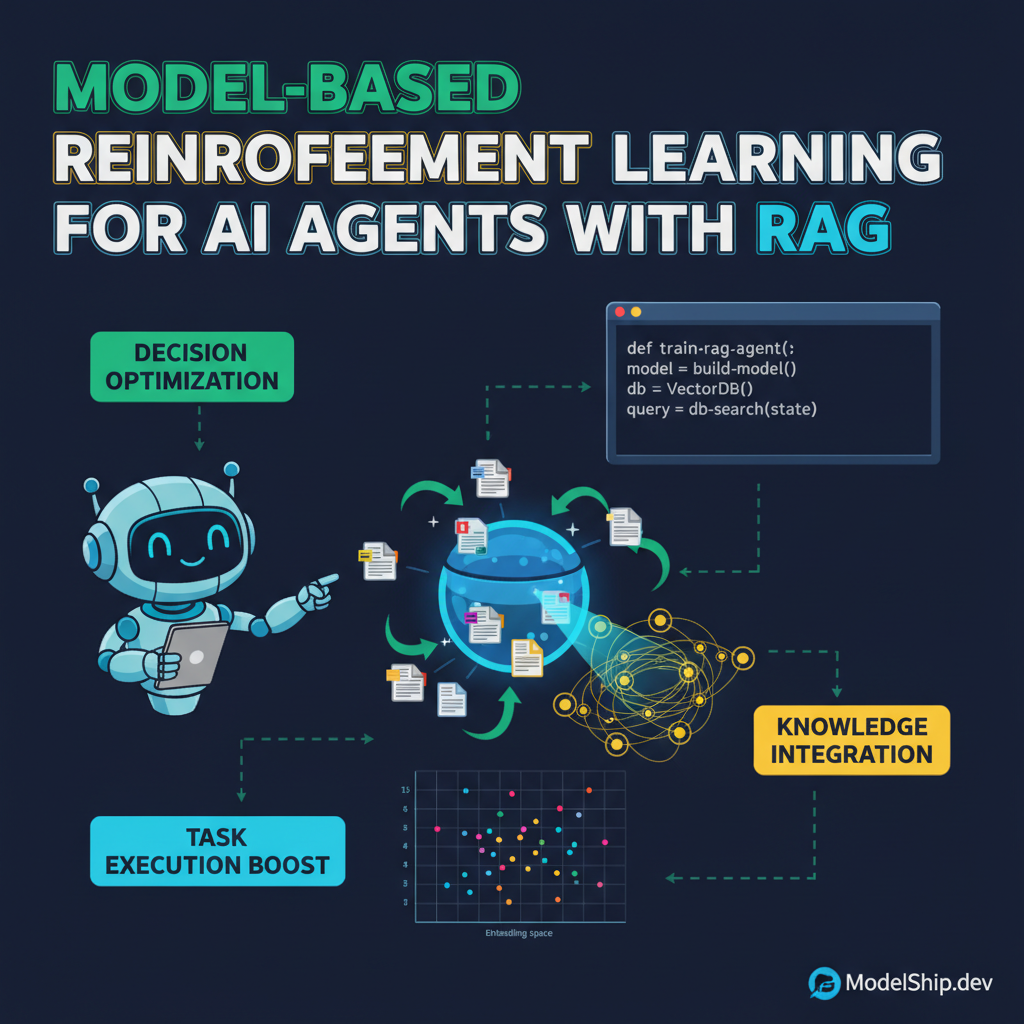
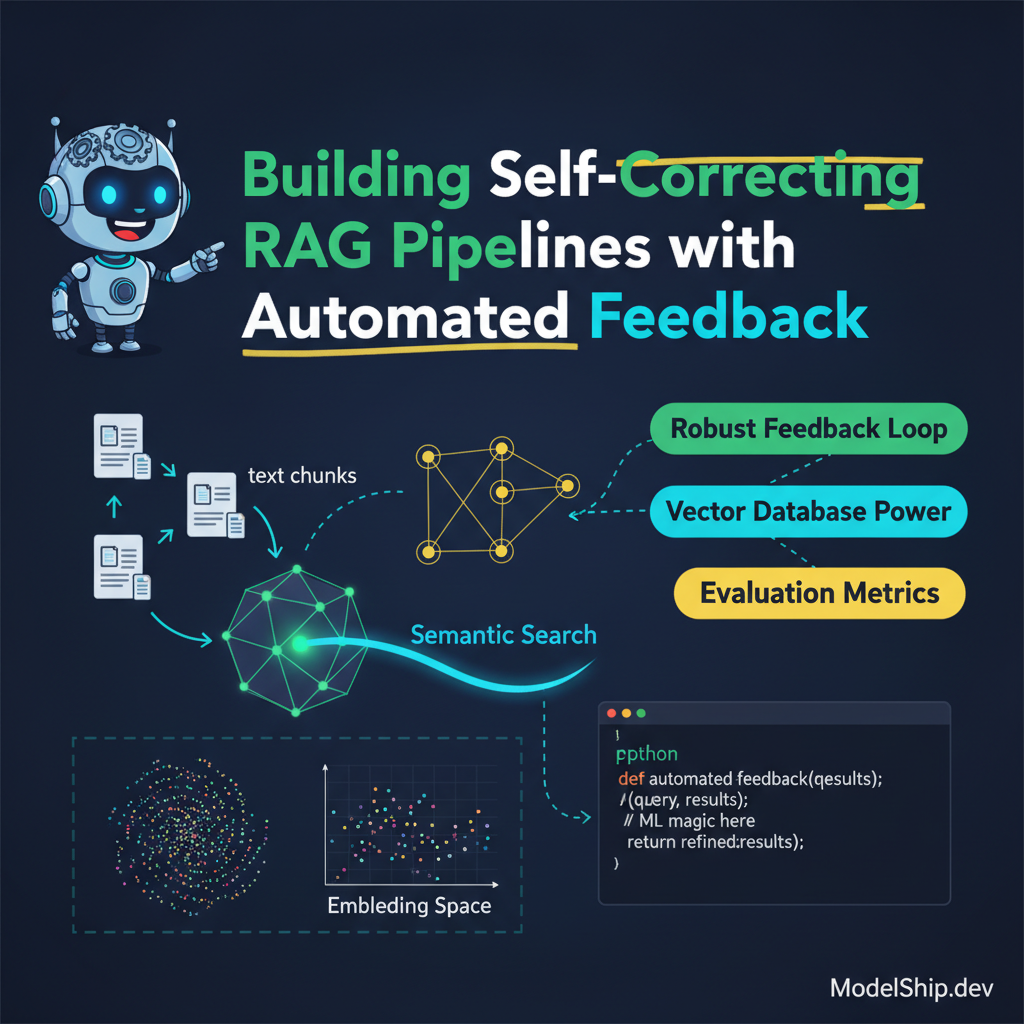
Building Self-Correcting RAG Pipelines with Automated Feedback
TL;DR
Building a self-correcting RAG pipeline with automated feedback is crucial for efficient and accurate AI model performance. Skip the theory, here's what works: implement a robust feedback loop and leverage vector databases for efficient similarity search. I've been burned by this exact mistake, and most engineers get this wrong, so let's dive into the details.
Key Takeaways
- Implement a robust feedback loop for self-correction
- Leverage vector databases for efficient similarity search
- Use evaluation metrics to measure RAG pipeline performance
- Optimize vector search with quantization and pruning
- Integrate RAG with other AI systems for enhanced performance
Introduction to Self-Correcting RAG Pipelines
Building a self-correcting RAG pipeline with automated feedback is essential for efficient and accurate AI model performance. Most engineers get this wrong, and I've been burned by this exact mistake. Here's what works: implement a robust feedback loop and leverage vector databases for efficient similarity search.
RAG Pipeline Architecture
Overview of RAG Components
A RAG pipeline consists of several components, including a retriever, a generator, and a feedback loop. The retriever is responsible for fetching relevant information, while the generator creates new content based on the retrieved information. The feedback loop is crucial for self-correction and improvement.
Implementing a Robust Feedback Loop
Implementing a robust feedback loop is critical for self-correction. Here's an example of how to implement a feedback loop using Python:
import torch
import torch.nn as nn

class FeedbackLoop(nn.Module):
    def __init__(self):
        super(FeedbackLoop, self).__init__()
        self.fc = nn.Linear(128, 128)

    def forward(self, x):
        x = torch.relu(self.fc(x))
return xEfficient Similarity Search with Vector Databases
Vector Database Comparison
Vector databases are essential for efficient similarity search. When choosing a vector database, consider factors such as performance, scalability, and ease of use. Check out our vector database comparison for more information.
Optimizing Vector Search with Quantization and Pruning
Optimizing vector search with quantization and pruning can significantly improve performance. For more information, check out our article on optimizing vector search.
Evaluation Metrics for RAG Pipelines
Overview of Evaluation Metrics
Evaluation metrics are crucial for measuring RAG pipeline performance. Common evaluation metrics include accuracy, precision, and recall. For more information, check out our practical guide to RAG pipelines evaluation metrics.
Implementing Evaluation Metrics
Implementing evaluation metrics can be done using Python and popular libraries such as scikit-learn. Here's an example of how to implement evaluation metrics:
from sklearn.metrics import accuracy_score
from sklearn.metrics import precision_score
from sklearn.metrics import recall_score

# Calculate evaluation metrics
accuracy = accuracy_score(y_true, y_pred)
precision = precision_score(y_true, y_pred)
recall = recall_score(y_true, y_pred)

print('Accuracy:', accuracy)
print('Precision:', precision)
print('Recall:', recall)Integrating RAG with Other AI Systems
Overview of Integration
Integrating RAG with other AI systems can enhance performance and accuracy. For example, integrating RAG with LangGraph-based agentic RAG can improve autonomous agent performance.
Implementing Integration
Implementing integration can be done using Python and popular libraries such as PyTorch. Here's an example of how to implement integration:
import torch
import torch.nn as nn

class IntegratedRAG(nn.Module):
    def __init__(self):
        super(IntegratedRAG, self).__init__()
        self.rag = RAG()
        self.langgraph = LangGraph()

    def forward(self, x):
        x = self.rag(x)
        x = self.langgraph(x)
return xFrequently Asked Questions
What is a RAG pipeline?
A RAG pipeline is a type of AI pipeline that consists of a retriever, a generator, and a feedback loop.
How do I implement a feedback loop?
Implementing a feedback loop can be done using Python and popular libraries such as PyTorch. Check out our example code for more information.
What is the primary benefit of using vector databases?
The primary benefit of using vector databases is efficient similarity search performance.
Conclusion
Building a self-correcting RAG pipeline with automated feedback is crucial for efficient and accurate AI model performance. By implementing a robust feedback loop, leveraging vector databases for efficient similarity search, and optimizing vector search with quantization and pruning, you can improve your RAG pipeline's performance and accuracy. Remember to integrate RAG with other AI systems for enhanced performance, and don't forget to implement evaluation metrics correctly to avoid incorrect results.
Built and scaled AI systems that handle millions of requests. I write about what separates tutorial AI from production AI — the hard lessons, the battle-tested patterns.
More from Marcus Lee →Discussion
Loading comments…
Leave a comment
Related Articles