Streaming Tool Call Results in AI Agent Loops with WebSockets
TL;DR
When I first learned about streaming tool call results, I was confused too — but it's actually pretty straightforward. Don't overthink it, just remember that WebSockets enable bi-directional communication between a client and a server. We'll build a simple AI agent loop that streams tool call results using WebSockets. Here's the thing nobody tells beginners: you don't need to be an expert in WebSockets to get started.
Key Takeaways
- Understand the basics of WebSockets and how they enable real-time communication
- Learn how to create an AI agent loop that streams tool call results
- Discover how to integrate AI models with CRM systems using WebSockets
- Implement a simple WebSocket client and server using Python
- Troubleshoot common issues with WebSocket connections
Introduction to WebSockets
When I first learned about WebSockets, I was confused too — but it's actually pretty straightforward. WebSockets enable bi-directional communication between a client and a server, allowing for real-time updates and streaming of data. In this article, we'll explore how to use WebSockets to stream tool call results in an AI agent loop.
Creating an AI Agent Loop
Understanding the Basics
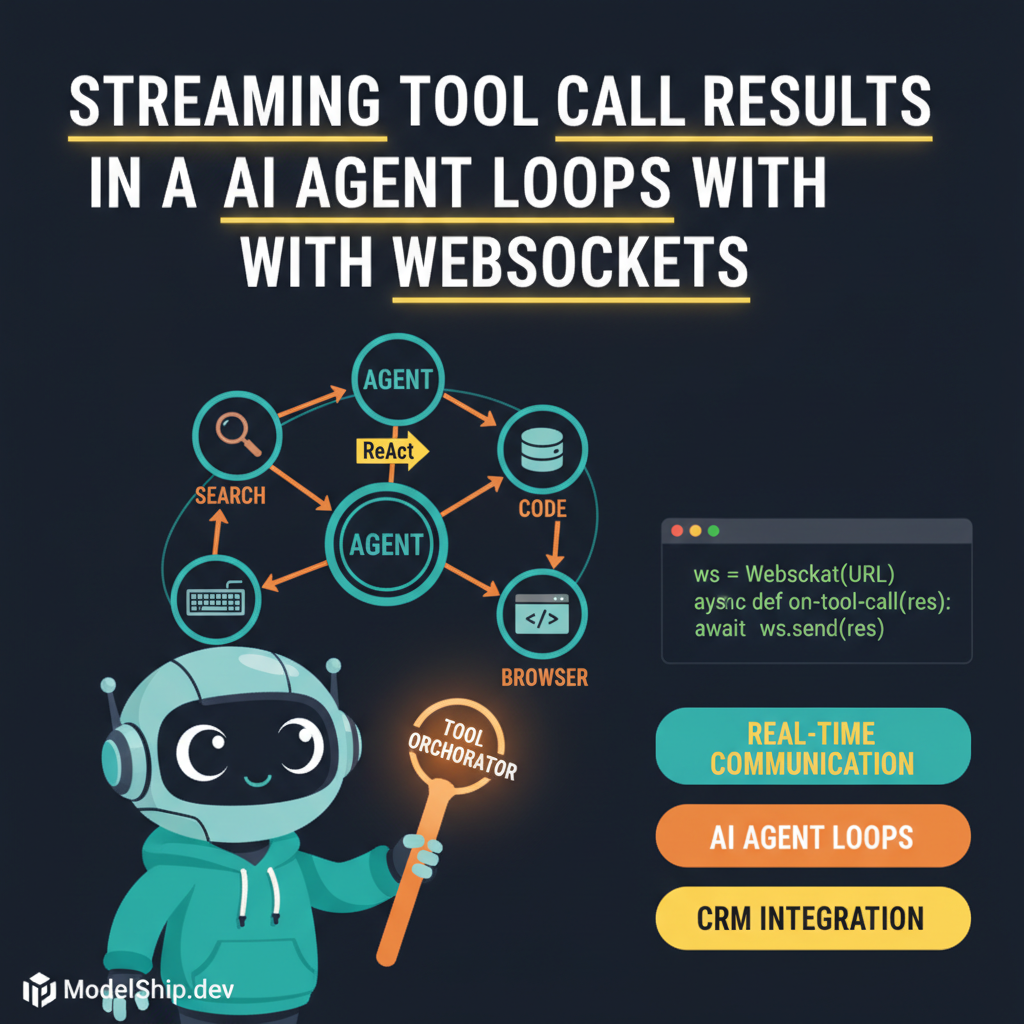
Let's build something real. An AI agent loop is a process that involves an AI model making decisions and taking actions based on the current state of the environment. In our case, we'll create a simple AI agent loop that streams tool call results using WebSockets.
Implementing the Loop
import websocketws = websocket.WebSocket()ws.connect('ws://localhost:8080')while True: # Receive tool call results from the server result = ws.recv() # Process the result and make a decision decision = process_result(result) # Send the decision back to the server ws.send(decision)Integrating AI Models with CRM Systems
Here's the thing nobody tells beginners: you don't need to be an expert in WebSockets to get started. However, you do need to understand how to integrate AI models with CRM systems. Building custom AI agents is a great way to get started.
Using WebSockets for Integration
WebSockets can be used to integrate AI models with CRM systems, allowing for real-time updates and streaming of data. For example, you can use WebSockets to stream tool call results from an AI model to a CRM system.
Troubleshooting WebSocket Connections
Dont' overthink it, just remember that WebSocket connections can be tricky to troubleshoot. Here are some common issues to watch out for:
Test Yourself
Frequently Asked Questions
Q: What is the difference between WebSockets and HTTP?
WebSockets enable bi-directional communication between a client and a server, while HTTP is a request-response protocol.
Q: How do I handle errors with WebSocket connections?
Make sure to handle errors and disconnections properly to avoid issues with your AI agent loop.
Q: Can I use WebSockets with any AI model?
Yes, WebSockets can be used with any AI model that supports real-time updates and streaming of data.
Conclusion
Let's build something real. In this article, we explored how to use WebSockets to stream tool call results in an AI agent loop. We also discussed how to integrate AI models with CRM systems and troubleshoot WebSocket connections. Remember, don't overthink it — just start building and you'll be streaming tool call results in no time. For more information on multi-agent task decomposition, check out our other articles.
Self-taught Python developer who went from zero to landing a dev job in 18 months. I write tutorials I wish existed when I was starting out — clear, practical, no gatekeeping.
More from Jordan Blake →Discussion
Loading comments…
Leave a comment
Related Articles