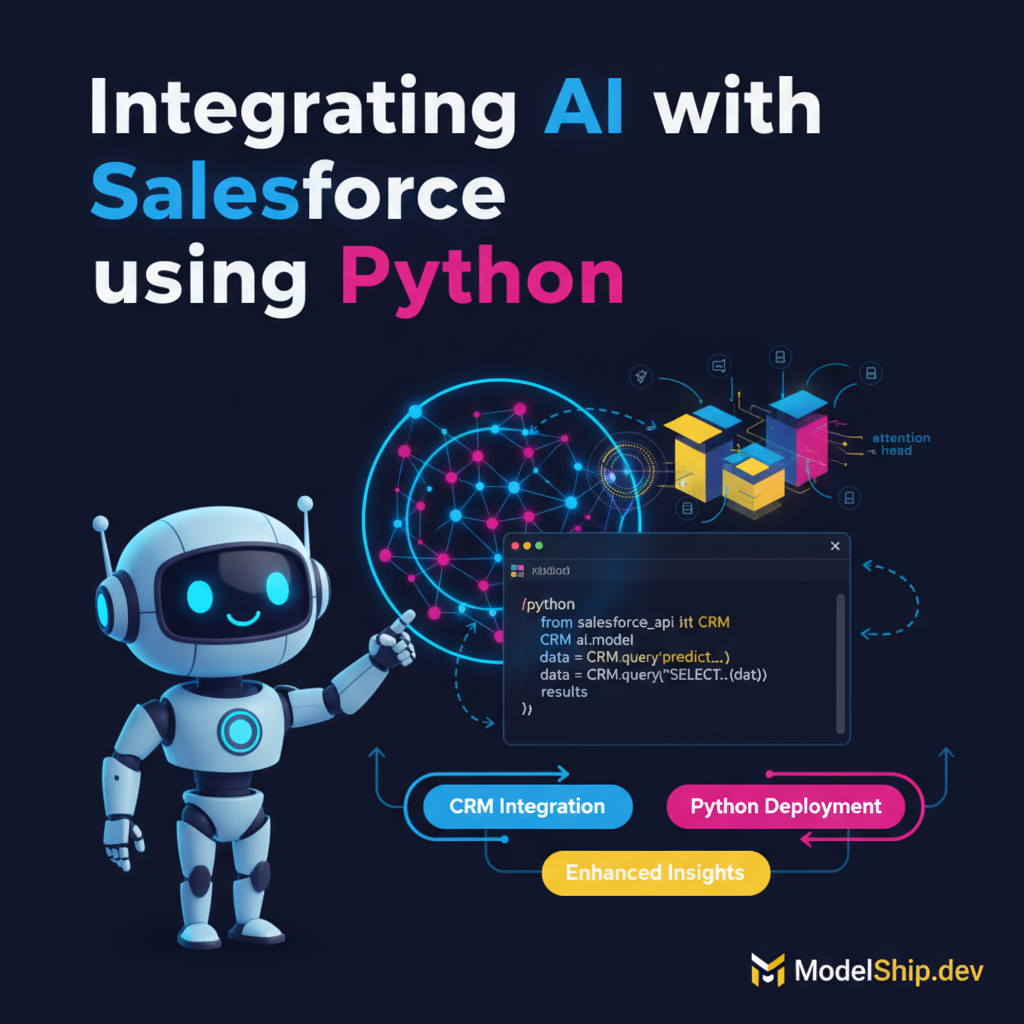
Integrating AI with Salesforce using Python
TL;DR
When I first learned about integrating AI models with CRM systems, I was confused too — but it's actually quite straightforward. We'll break down the process into manageable steps, and by the end of this tutorial, you'll have a working example of how to integrate AI models with Salesforce using Python. Don't overthink it, just follow along and you'll be up and running in no time.
Key Takeaways
- Understand the basics of AI model integration with CRM systems
- Learn how to use Salesforce APIs to interact with customer data
- Discover how to deploy AI models using Python and integrate with Salesforce
- Explore the benefits of automating customer insights and workflows
- Get hands-on experience with a working example of AI model integration
Introduction to AI Model Integration
When it comes to integrating AI models with CRM systems, many developers feel overwhelmed. However, with the right approach, it can be a straightforward process. In this tutorial, we'll focus on integrating AI models with Salesforce using Python.
What is a CRM System?
A CRM (Customer Relationship Management) system is a tool used to manage customer interactions and data. Salesforce is one of the most popular CRM systems used by businesses today.
What is an AI Model?
An AI model is a software program that uses machine learning algorithms to make predictions or decisions based on data. In the context of CRM systems, AI models can be used to automate customer insights and workflows.
Setting Up Your Environment
To get started, you'll need to set up your environment with the necessary tools and libraries. This includes installing Python, setting up a Salesforce account, and installing the required libraries.
Installing Python and Libraries
First, you'll need to install Python on your system. You can download the latest version from the official Python website. Next, you'll need to install the required libraries, including the Salesforce API library and a machine learning library such as scikit-learn.
Setting Up a Salesforce Account
To interact with Salesforce data, you'll need to set up a Salesforce account. You can sign up for a free trial account on the Salesforce website.
Deploying AI Models with Python
Now that we have our environment set up, let's talk about deploying AI models using Python. We'll use a simple machine learning algorithm to predict customer churn based on their interaction data.
Preparing the Data
First, we need to prepare our data for training the AI model. This includes loading the customer interaction data from Salesforce and preprocessing it for training.
Training the AI Model
Next, we'll train our AI model using the preprocessed data. We'll use a simple machine learning algorithm such as logistic regression to predict customer churn.
import pandas as pd
from sklearn.model_selection import train_test_split
from sklearn.linear_model import LogisticRegression

# Load customer interaction data from Salesforce
data = pd.read_csv('customer_data.csv')

# Preprocess the data for training
X = data.drop(['churn'], axis=1)
y = data['churn']
X_train, X_test, y_train, y_test = train_test_split(X, y, test_size=0.2, random_state=42)

# Train the AI model
model = LogisticRegression()
model.fit(X_train, y_train)
Integrating AI Models with Salesforce
Now that we have our AI model trained, let's talk about integrating it with Salesforce. We'll use the Salesforce API to interact with customer data and update the AI model predictions in real-time.
Using the Salesforce API
First, we need to use the Salesforce API to load customer interaction data and update the AI model predictions. We'll use the Salesforce API library to authenticate and interact with the Salesforce API.
Updating AI Model Predictions
Next, we'll update the AI model predictions in real-time using the Salesforce API. We'll use the trained AI model to make predictions on new customer interaction data and update the predictions in Salesforce.
import salesforce

# Authenticate with the Salesforce API
sf = salesforce.Salesforce(username='your_username', password='your_password')

# Load customer interaction data from Salesforce
data = sf.query('SELECT * FROM Customer_Interactions')

# Update AI model predictions in real-time
predictions = model.predict(data)
sf.update('Customer_Interactions', predictions)Automating Customer Insights and Workflows
Now that we have our AI model integrated with Salesforce, let's talk about automating customer insights and workflows. We'll use the AI model predictions to automate customer segmentation and personalize marketing campaigns.
Automating Customer Segmentation
First, we'll use the AI model predictions to automate customer segmentation. We'll use the predictions to identify high-value customers and personalize marketing campaigns.
Personalizing Marketing Campaigns
Next, we'll use the AI model predictions to personalize marketing campaigns. We'll use the predictions to identify customer preferences and personalize marketing messages.
Frequently Asked Questions
What is the best way to deploy AI models with Python?
The best way to deploy AI models with Python is to use a cloud-based platform such as AWS or Google Cloud, which provides scalable and secure infrastructure for deploying AI models.
How do I integrate AI models with Salesforce?
To integrate AI models with Salesforce, you can use the Salesforce API to interact with customer data and update AI model predictions in real-time. You can also use a third-party library such as Serving LLM Predictions with RESTful API using Flask and Docker to simplify the integration process.
What are the benefits of automating customer insights and workflows?
The benefits of automating customer insights and workflows include enhanced customer experiences, increased revenue, and improved operational efficiency. By automating customer segmentation and personalizing marketing campaigns, businesses can improve customer engagement and loyalty.
Conclusion
In conclusion, integrating AI models with CRM systems such as Salesforce can be a game-changer for businesses. By automating customer insights and workflows, businesses can enhance customer experiences, increase revenue, and improve operational efficiency. With the right approach and tools, integrating AI models with Salesforce can be a straightforward process. Don't overthink it, just follow along and you'll be up and running in no time. For more information on Optimizing AI Model Inference with Intel OpenVINO and Kubeflow for AI Model Deployment on Kubernetes, check out our other articles on ModelShip.
Self-taught Python developer who went from zero to landing a dev job in 18 months. I write tutorials I wish existed when I was starting out — clear, practical, no gatekeeping.
More from Jordan Blake →Discussion
Loading comments…
Leave a comment
Related Articles