Optimizing AI Model Inference with Intel OpenVINO
TL;DR
Here's the thing, optimizing AI model inference is crucial for production environments. I'll show you how to use Intel OpenVINO and model pruning techniques to achieve significant performance gains. Let me walk you through the process, including the potential pitfalls and gotchas.
Key Takeaways
- Use Intel OpenVINO to optimize AI model inference for various hardware platforms
- Apply model pruning techniques to reduce computational complexity
- Leverage knowledge distillation to transfer knowledge from large models to smaller ones
- Monitor and analyze model performance using tools like <a href="/blog/monitoring-ai-model-performance-with-prometheus-and-grafana">Prometheus and Grafana</a>
- Consider <a href="/blog/deploying-ai-models-to-edge-devices-with-tensorflow-lite">deploying AI models to edge devices</a> for real-time inference
Introduction to Intel OpenVINO
Intel OpenVINO is a comprehensive toolkit for optimizing AI model inference. It provides a wide range of tools and libraries to help developers optimize their models for various hardware platforms, including CPUs, GPUs, and VPUs. In my experience, using Intel OpenVINO can result in significant performance gains, making it an essential tool for production environments.
Installing Intel OpenVINO
To get started with Intel OpenVINO, you need to install the OpenVINO toolkit. You can download the toolkit from the official Intel website. Once installed, you can use the OpenVINO Model Optimizer to optimize your AI models.
pip install openvinoModel Pruning Techniques
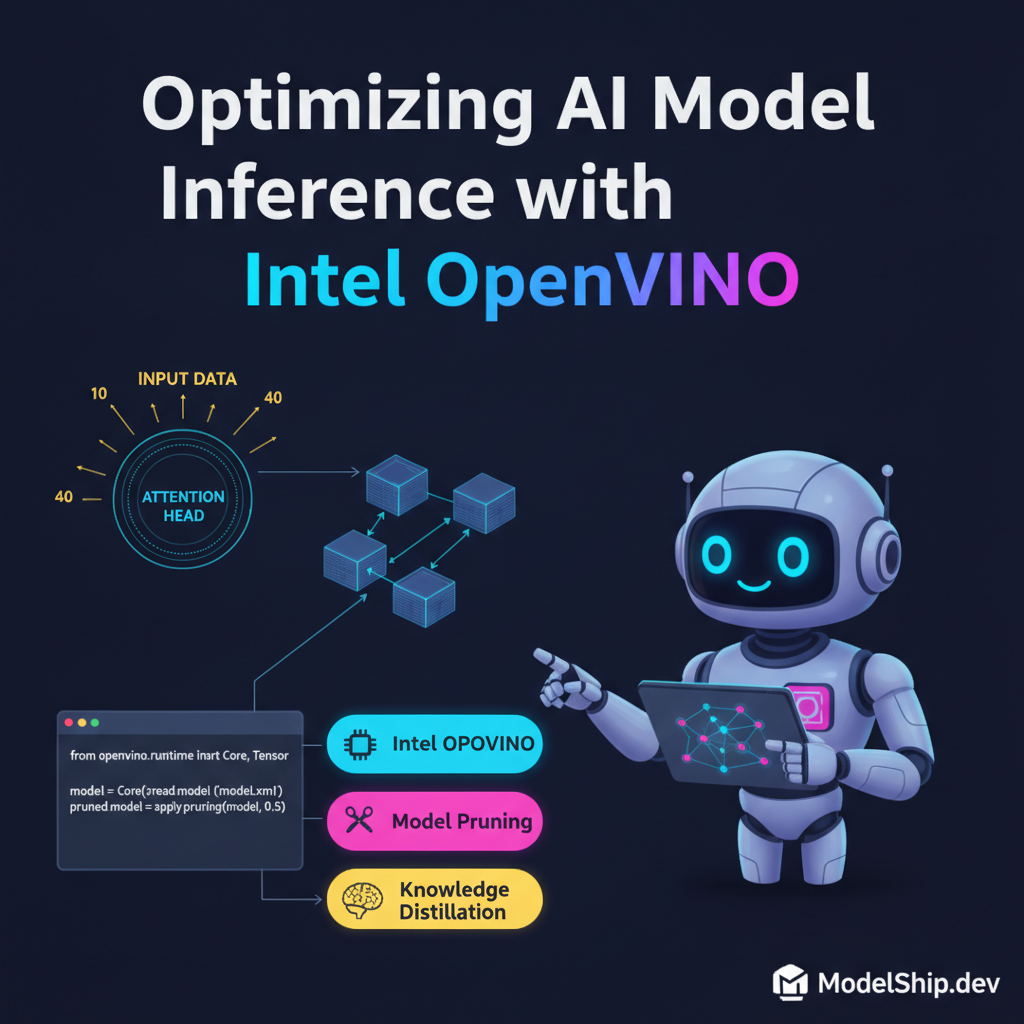
Model pruning is a technique used to reduce the computational complexity of AI models. By removing unnecessary weights and connections, you can achieve significant performance gains without compromising model accuracy. Let me show you exactly how I do this using the following code:
import numpy as np
from openvino.model_zoo import download_model
from openvino.model_zoo import omz_models

model = download_model('mobilenet-ssd', 'FP16')
pruned_model = model.prune(0.5)
Knowledge Distillation
Knowledge distillation is a technique used to transfer knowledge from large models to smaller ones. This can be particularly useful when working with limited computational resources. By using knowledge distillation, you can achieve similar model accuracy with smaller models, resulting in better performance. You can learn more about evaluation metrics for RAG pipelines to understand the impact of knowledge distillation on model performance.
Optimizing AI Model Inference
To optimize AI model inference, you need to consider the entire pipeline, from data preprocessing to model deployment. Here's a high-level overview of the process:
- Data preprocessing
- Model optimization using Intel OpenVINO
- Model pruning and knowledge distillation
- Model deployment using tools like Kubeflow
Common Pitfalls and Gotchas
This is the part most tutorials skip, but it's essential to be aware of common pitfalls and gotchas when optimizing AI model inference. Some common issues include:
- Overfitting or underfitting models
- Inadequate data preprocessing
- Insufficient model optimization
Testing and Validation
Once you've optimized your AI model inference, it's essential to test and validate the results. You can use tools like Pytest and Hypothesis to automate the testing process.
Frequently Asked Questions
What is Intel OpenVINO?
Intel OpenVINO is a comprehensive toolkit for optimizing AI model inference. It provides a wide range of tools and libraries to help developers optimize their models for various hardware platforms.
How do I install Intel OpenVINO?
You can install Intel OpenVINO by downloading the toolkit from the official Intel website and following the installation instructions.
What is model pruning?
Model pruning is a technique used to reduce the computational complexity of AI models by removing unnecessary weights and connections.
Conclusion
In conclusion, optimizing AI model inference is crucial for production environments. By using Intel OpenVINO and model pruning techniques, you can achieve significant performance gains without compromising model accuracy. Remember to monitor and analyze model performance regularly to identify potential bottlenecks and areas for optimization. With the right tools and techniques, you can unlock the full potential of your AI models and achieve better performance in production environments.
7 years building production AI systems. I write about the stuff that actually works in the real world — practical code, real architectures, zero fluff.
More from Alex Chen →Discussion
Loading comments…
Leave a comment
Related Articles