Efficient Indexing for Vector Search with HNSW and Annoy
TL;DR
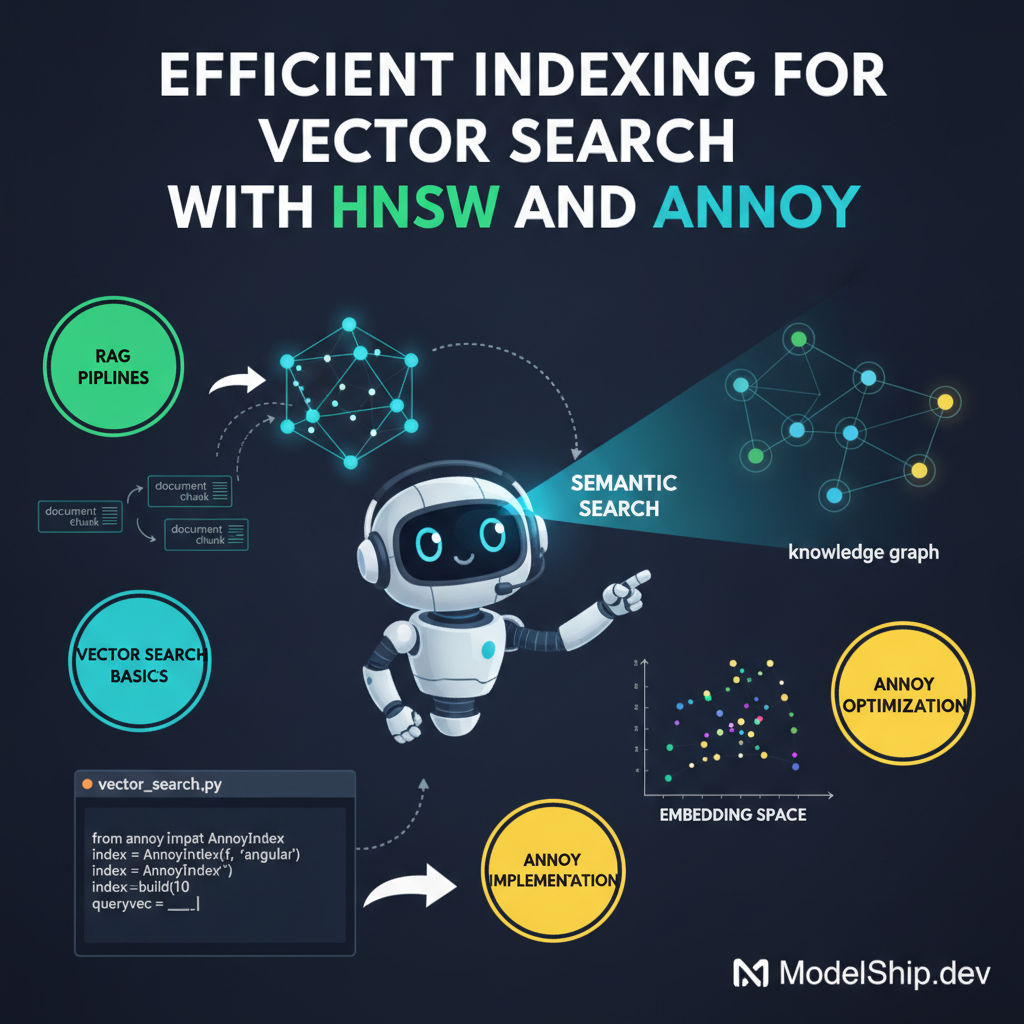
In this tutorial, we'll explore how to use HNSW and Annoy for efficient vector search, which is crucial for retrieval-augmented generation pipelines. We'll cover the basics of vector search, how to implement HNSW and Annoy, and provide tips and tricks for optimizing your pipelines. By the end of this tutorial, you'll be able to efficiently index and search your vectors, making your RAG pipelines more accurate and scalable.
Key Takeaways
- Understand the basics of vector search and its importance in RAG pipelines
- Learn how to implement HNSW and Annoy for efficient vector search
- Discover how to optimize your vector search pipelines for better performance
- Understand how to integrate HNSW and Annoy with other RAG components
- Learn how to avoid common mistakes and pitfalls in vector search implementation
Introduction to Vector Search
Think of it like trying to find a specific book in a huge library. You need a way to efficiently search through all the books to find the one you're looking for. In the context of retrieval-augmented generation (RAG), vector search is like finding a specific document or piece of information in a massive database. It's a crucial component of RAG pipelines, and in this tutorial, we'll explore how to use HNSW and Annoy for efficient vector search.
What is Vector Search?
Vector search is a technique used to find similar vectors in a high-dimensional space. It's like finding similar documents or pieces of information in a database. In RAG, vector search is used to retrieve relevant information from a database, which is then used to generate text or answer questions. Efficient similarity search in RAG with embeddings is a key aspect of building accurate RAG pipelines.
Why is Vector Search Important?
Vector search is important because it allows us to efficiently search through large databases and find relevant information. This is especially important in RAG, where the goal is to generate accurate and informative text. Without efficient vector search, RAG pipelines would be slow and inaccurate.
Challenges of Vector Search
The main challenge of vector search is that it can be computationally expensive. As the size of the database increases, the time it takes to search for similar vectors also increases. This can make RAG pipelines slow and inefficient. Vector database comparison for RAG and search can help you choose the right database for your RAG pipeline.
Introduction to HNSW and Annoy
HNSW (Hierarchical Navigable Small World) and Annoy (Approximate Nearest Neighbors Oh Yeah!) are two popular libraries used for efficient vector search. HNSW is a graph-based algorithm that uses a hierarchical structure to efficiently search for similar vectors. Annoy, on the other hand, uses a tree-based structure to search for similar vectors.
How HNSW Works
HNSW works by building a graph of vectors, where each vector is connected to its nearest neighbors. The graph is then traversed to find the most similar vectors to a given query vector. This approach allows HNSW to efficiently search for similar vectors, even in high-dimensional spaces.
How Annoy Works
Annoy works by building a tree of vectors, where each node in the tree represents a vector. The tree is then traversed to find the most similar vectors to a given query vector. Annoy uses a technique called hierarchical clustering to build the tree, which allows it to efficiently search for similar vectors.
Implementing HNSW and Annoy
Here's a simple way to implement HNSW and Annoy in your RAG pipeline. First, you need to install the HNSW and Annoy libraries. You can do this using pip:
pip install hnswlib annoyIndexing Vectors with HNSW
Once you have the libraries installed, you can start indexing your vectors using HNSW. Here's an example code snippet:
import numpy as np
from hnswlib import Index

# Create a sample dataset
vectors = np.random.rand(100, 128).astype(np.float32)

# Create an HNSW index
index = Index(space='l2', dim=128)
index.init_index(max_elements=100, ef_construction=40, M=16)
index.add_items(vectors)
Indexing Vectors with Annoy
You can also use Annoy to index your vectors. Here's an example code snippet:
import numpy as np
from annoy import AnnoyIndex

# Create a sample dataset
vectors = np.random.rand(100, 128).astype(np.float32)

# Create an Annoy index
index = AnnoyIndex(128, 'euclidean')
for i, vector in enumerate(vectors):
    index.add_item(i, vector)
index.build(10)
Optimizing Vector Search Pipelines
Don't worry if you're new to this — optimizing vector search pipelines can be challenging. However, with a few simple tricks, you can significantly improve the performance of your pipelines. One technique is to use automated feedback to adjust the parameters of your vector search algorithm.
Avoiding Common Mistakes
One common mistake to avoid is using too small of a dataset to train your vector search model. This can lead to poor performance and inaccurate results. Another mistake is not tuning the parameters of your vector search algorithm. This can also lead to poor performance and inaccurate results.
Best Practices
Here are a few best practices to keep in mind when optimizing your vector search pipelines. First, make sure to use a large and diverse dataset to train your model. Second, tune the parameters of your vector search algorithm to achieve the best results. Finally, use automated feedback to adjust the parameters of your algorithm and improve performance over time.
Frequently Asked Questions
What is the difference between HNSW and Annoy?
HNSW and Annoy are both libraries used for efficient vector search, but they use different algorithms to achieve this. HNSW uses a graph-based algorithm, while Annoy uses a tree-based algorithm.
How do I choose between HNSW and Annoy?
The choice between HNSW and Annoy depends on your specific use case. If you have a small to medium-sized dataset, Annoy may be a good choice. However, if you have a large dataset, HNSW may be a better choice.
Can I use HNSW and Annoy together?
Yes, you can use HNSW and Annoy together to achieve even better results. This is because HNSW and Annoy are not mutually exclusive, and can be used to complement each other.
Conclusion
In conclusion, efficient vector search is a crucial component of RAG pipelines. HNSW and Annoy are two popular libraries used for efficient vector search, and can be used to improve the performance of your RAG pipelines. By following the tips and tricks outlined in this tutorial, you can optimize your vector search pipelines and achieve better results. Remember to always use a large and diverse dataset to train your model, tune the parameters of your vector search algorithm, and use automated feedback to adjust the parameters of your algorithm over time. With these best practices in mind, you can build efficient and accurate RAG pipelines that achieve great results.
I help everyday people understand and use AI tools without a tech degree. Former teacher turned content creator — I believe AI should be accessible to everyone.
More from Priya Patel →Discussion
Loading comments…
Leave a comment
Related Articles