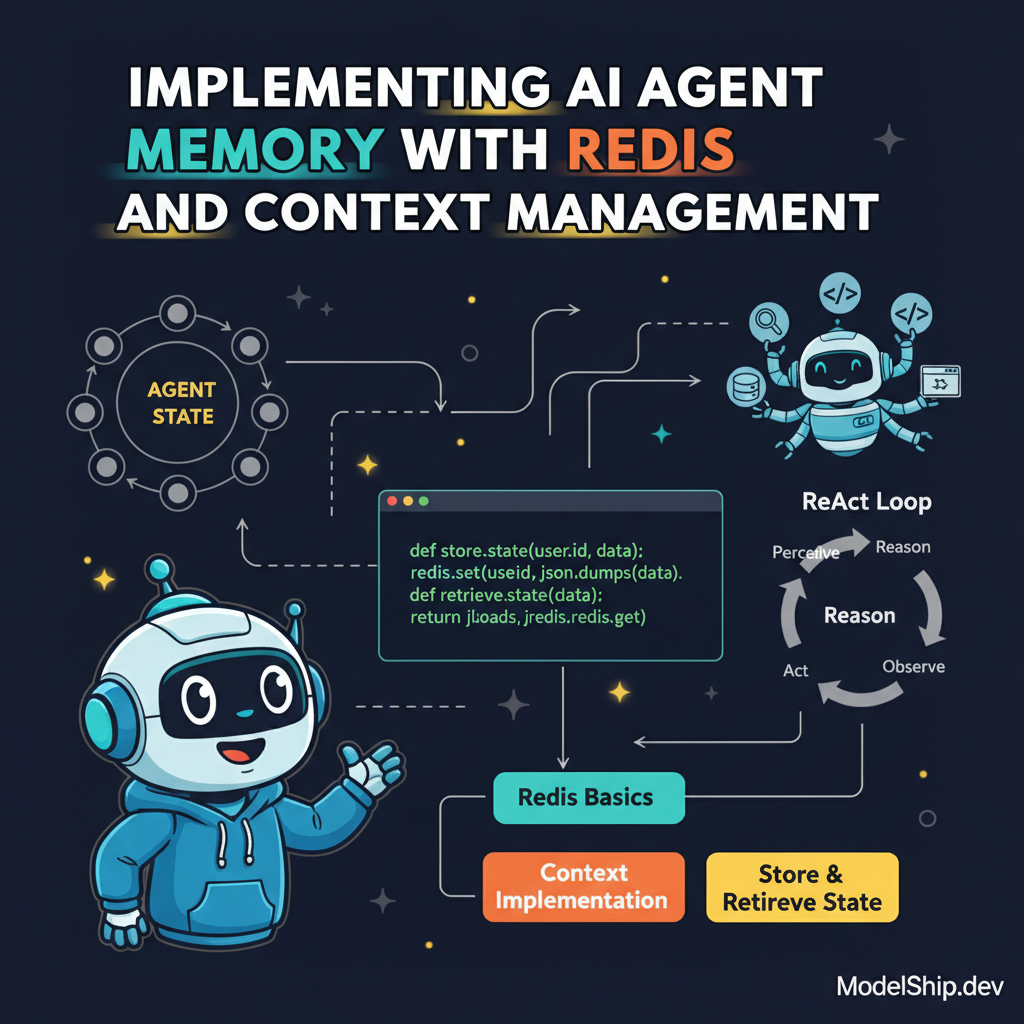
Implementing AI Agent Memory with Redis and Context Management
TL;DR
When I first learned about AI agents, I was confused about how they can remember past experiences. Here's the thing nobody tells beginners: it's actually pretty simple once you understand the basics of Redis and context management. Don't overthink it, just start by implementing a basic memory system and build from there. In this article, we'll explore how to implement AI agent memory with Redis and context management, and by the end of it, you'll have a working mini-project to get you started.
Key Takeaways
- Understand the basics of Redis and how it can be used for AI agent memory
- Learn how to implement context management for AI agents
- Discover how to store and retrieve agent state using Redis
- Build a working mini-project that demonstrates AI agent memory with Redis and context management
- Explore how to optimize AI agent performance using <a href='/blog/optimizing-ai-agent-policies-with-reinforcement-learning'>reinforcement learning</a> and <a href='/blog/optimizing-ai-agents-with-ray-parallel-processing'>parallel processing</a>
Introduction to AI Agent Memory
When I first learned about AI agents, I was confused about how they can remember past experiences. It seemed like a complex topic, but as I delved deeper, I realized it's actually pretty simple once you understand the basics of Redis and context management. In this article, we'll explore how to implement AI agent memory with Redis and context management, and by the end of it, you'll have a working mini-project to get you started.
What is Redis?
Redis is an in-memory data store that can be used as a database, message broker, and more. It's a great tool for storing and retrieving data, and it's particularly well-suited for AI agent memory. Here's the thing nobody tells beginners: Redis is actually pretty easy to use once you get started.
Installing Redis
To get started with Redis, you'll need to install it on your system. Don't overthink it, just follow the instructions on the Redis website. Once you have Redis installed, you can start using it to store and retrieve data.
Basic Redis Commands
Once you have Redis installed, you can start using it to store and retrieve data. Here are some basic Redis commands to get you started:
import redis
redis_client = redis.Redis(host='localhost', port=6379, db=0)
redis_client.set('key', 'value')
value = redis_client.get('key')
print(value)
Context Management for AI Agents
Context management is a crucial aspect of AI agent memory. It involves storing and retrieving the state of the agent, including its past experiences and decisions. Let's build something real: a simple AI agent that can remember its past experiences and make decisions based on that.
Implementing Context Management
To implement context management, you'll need to store the state of the agent in Redis. You can use the Gym library to create a custom AI agent and store its state in Redis. Here's an example of how you can do it:
import gym
import redis

class CustomAgent:
    def __init__(self, redis_client):
        self.redis_client = redis_client
        self.state = None

    def store_state(self, state):
        self.redis_client.set('state', state)
        self.state = state

    def retrieve_state(self):
        state = self.redis_client.get('state')
        return state

custom_agent = CustomAgent(redis_client)
_custom_agent.store_state('initial_state')
state = custom_agent.retrieve_state()
print(state)
Optimizing AI Agent Performance
Once you have a working AI agent with context management, you can start optimizing its performance. You can use parallel processing to speed up the agent's decision-making process, and reinforcement learning to improve the agent's policy. Don't overthink it, just start by implementing a basic optimization technique and build from there.
Building a Working Mini-Project
Now that we've covered the basics of Redis and context management, let's build a working mini-project that demonstrates AI agent memory with Redis and context management. We'll create a simple AI agent that can remember its past experiences and make decisions based on that.
Frequently Asked Questions
What is the purpose of Redis in AI agent memory?
Redis is used to store and retrieve the state of the agent, including its past experiences and decisions.
How do I implement context management for AI agents?
Context management can be implemented by storing the state of the agent in Redis and retrieving it later.
What are some optimization techniques for AI agent performance?
Some optimization techniques for AI agent performance include parallel processing and reinforcement learning.
Conclusion
In conclusion, implementing AI agent memory with Redis and context management is a crucial aspect of building efficient AI agents. By following the steps outlined in this article, you can create a working mini-project that demonstrates AI agent memory with Redis and context management. Remember to always store the state of the agent in Redis, and don't overthink it, just start by implementing a basic memory system and build from there.
Self-taught Python developer who went from zero to landing a dev job in 18 months. I write tutorials I wish existed when I was starting out — clear, practical, no gatekeeping.
More from Jordan Blake →Discussion
Loading comments…
Leave a comment
Related Articles