Building a REST API with Node.js and Express
TL;DR
In this tutorial, we'll cover the fundamentals of building a REST API with Node.js and Express. We'll start with the basics of REST APIs, then dive into implementing routes, handling requests and responses, and optimizing performance. The key insight here is that a well-designed API is essential for any web application. By the end of this tutorial, you'll have a solid understanding of how to build a production-grade REST API with Node.js and Express.
Key Takeaways
- Understand the fundamentals of REST APIs and their importance in web development
- Learn how to set up a Node.js project with Express and implement routes
- Discover how to handle requests and responses, including error handling and validation
- Optimize API performance using best practices and tools
- Implement authentication and authorization for secure API access
Introduction to REST APIs
REST (Representational State of Resource) APIs have become the standard for building web services. The key insight here is that REST APIs provide a simple, flexible way to interact with resources over the web. But what most tutorials miss is that a well-designed API is essential for any web application. Let's break this down step by step.
What is a REST API?
A REST API is an architectural style for designing networked applications. It's based on the idea of resources, which are identified by URIs, and can be manipulated using a fixed set of operations.
Why Use REST APIs?
REST APIs are widely adopted because they're easy to implement, flexible, and scalable. They're also language-agnostic, making it easy to integrate with different systems.
Setting Up a Node.js Project with Express
Now that we've covered the basics of REST APIs, let's dive into setting up a Node.js project with Express. Express is a popular Node.js framework for building web applications. It provides a flexible way to handle requests and responses, making it an ideal choice for building REST APIs.
Installing Express
To get started with Express, you'll need to install it using npm. You can do this by running the following command:
npm install expressCreating an Express App
Once you've installed Express, you can create a new app by requiring the Express module and calling the express() function. Here's an example:
const express = require('express'); const app = express();Implementing Routes
Now that we've set up an Express app, let's talk about implementing routes. Routes are used to handle requests to specific endpoints. For example, you might have a route for retrieving a list of users, or a route for creating a new user.
Defining Routes
To define a route, you'll use the app.METHOD() function, where METHOD is the HTTP method you want to handle (e.g. GET, POST, PUT, DELETE). For example:
app.get('/users', (req, res) => { res.send('Hello World!');});Handling Requests and Responses
When a request is made to a route, you'll need to handle the request and send a response. You can do this by using the req and res objects provided by Express. For example:
app.post('/users', (req, res) => { const userData = req.body; // Create a new user // Send a response res.send(`User created successfully!`);});Optimizing API Performance
Optimizing API performance is crucial for providing a good user experience. There are several ways to optimize API performance, including using caching, optimizing database queries, and reducing the amount of data transferred over the network.
Using Caching
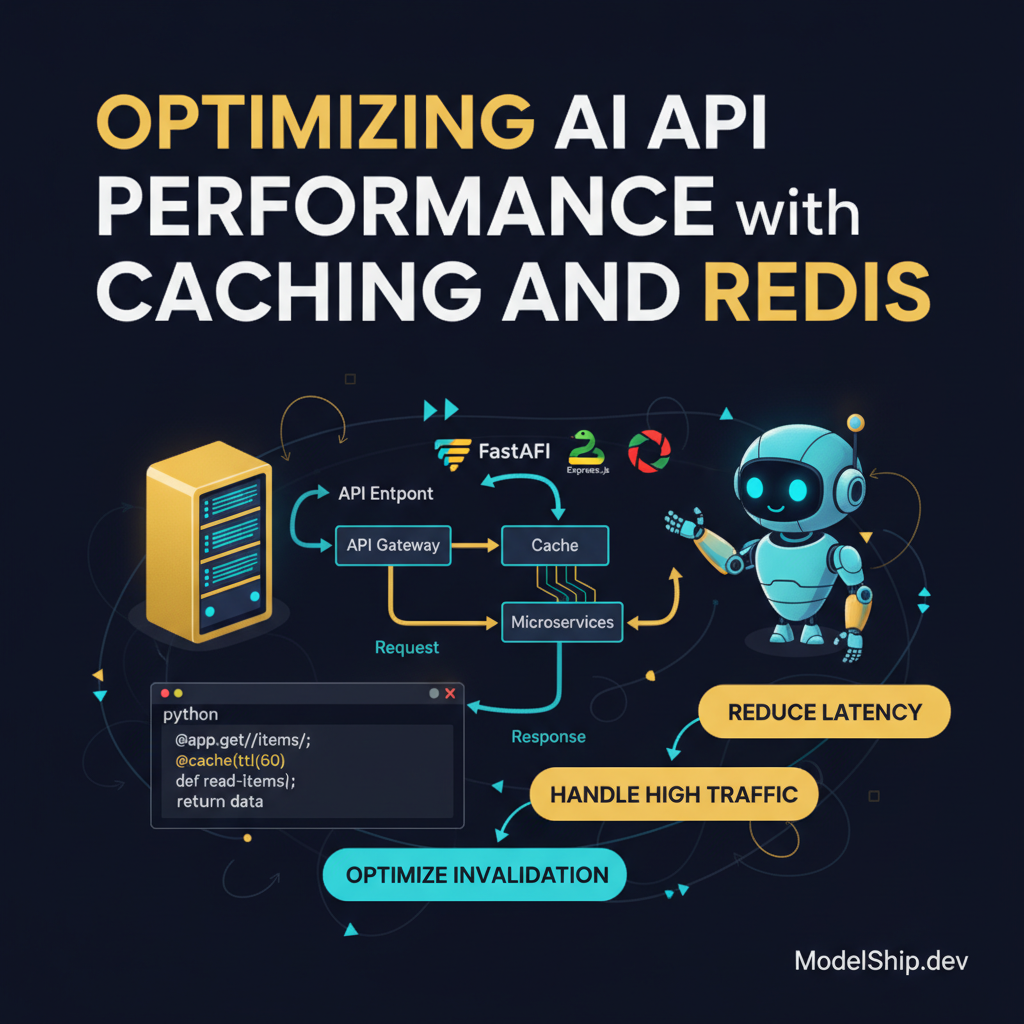
Caching can help reduce the number of requests made to your API. You can use a caching library like Redis or Memcached to store frequently accessed data.
Optimizing Database Queries
Optimizing database queries can help reduce the time it takes to retrieve data. You can use indexing, pagination, and query optimization techniques to improve performance. For more information on optimizing web performance, check out our article on Optimize Web Performance.
Frequently Asked Questions
What is the difference between REST and GraphQL?
REST and GraphQL are both used for building APIs, but they have different approaches. REST is an architectural style that provides a simple way to interact with resources, while GraphQL is a query language that provides a flexible way to retrieve data.
How do I handle authentication and authorization in my API?
Handling authentication and authorization is crucial for secure API access. You can use middleware like Passport.js to handle authentication and authorization. For more information on authentication and authorization, check out our article on Introduction to WebSockets with Node.js.
What is the best way to deploy my API?
Deploying your API depends on your specific needs. You can use a cloud platform like AWS or Google Cloud, or a containerization platform like Docker. For more information on deploying your API, check out our article on Docker for Node.js Made Easy.
Conclusion
In conclusion, building a REST API with Node.js and Express is a straightforward process. By following the steps outlined in this tutorial, you can create a production-grade API that provides a good user experience. Remember to handle errors properly, optimize performance, and implement authentication and authorization for secure API access. Here's why this matters: a well-designed API is essential for any web application, and by following best practices, you can create an API that meets the needs of your users.
PhD in NLP, now building AI products. I explain the 'why' behind AI systems so you can make better engineering decisions, not just copy-paste code.
More from Dr. Sarah Kim →Discussion
Loading comments…
Leave a comment
Related Articles