API Gateway for AI Models with AWS API Gateway
TL;DR
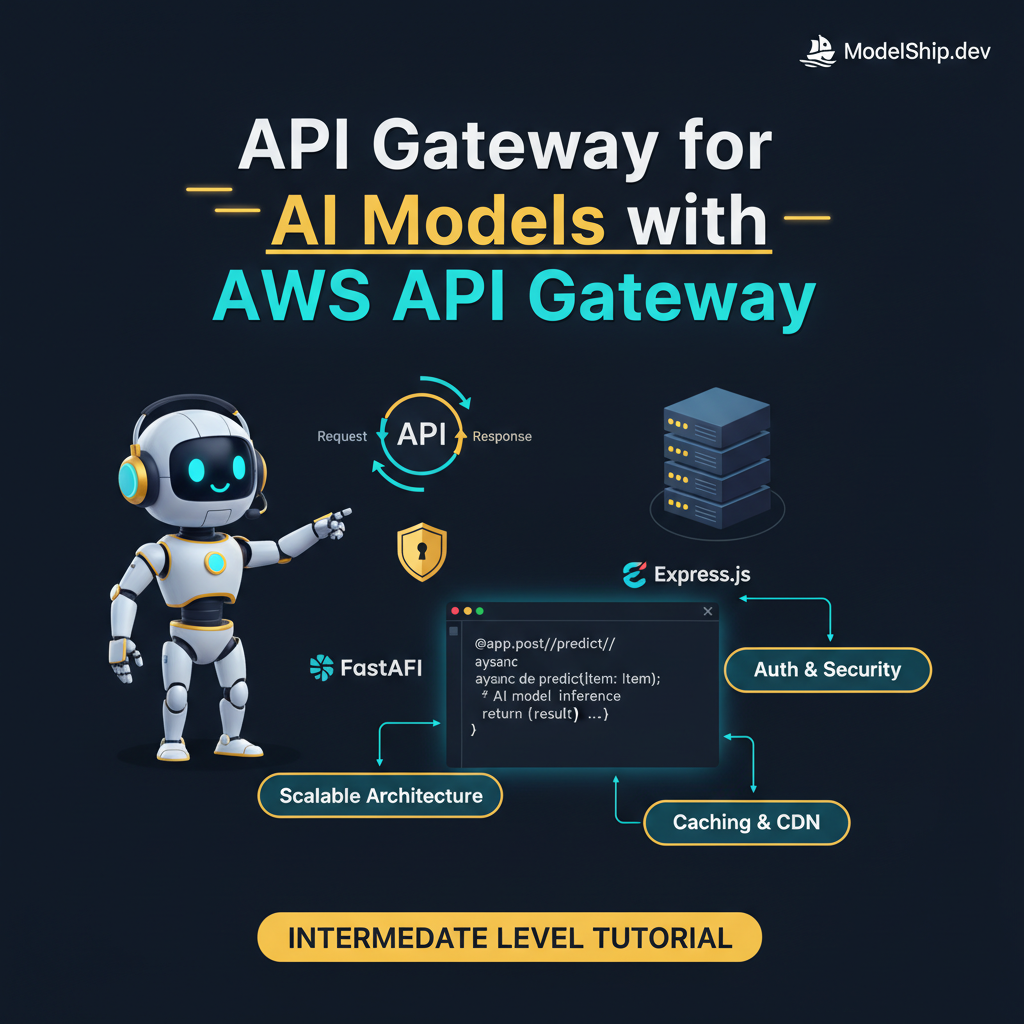
Here's the thing, when it comes to deploying AI models, a well-designed API gateway is crucial. In this guide, I'll show you exactly how to use AWS API Gateway to create a scalable and secure API for your AI models. Let me walk you through the implementation, highlighting gotchas and best practices I've learned from production experience.
Key Takeaways
- Design a scalable API architecture for AI models
- Implement authentication and authorization using AWS API Gateway
- Optimize API performance using caching and content delivery networks
- Monitor and debug API issues using AWS CloudWatch and X-Ray
- Integrate with other AWS services, such as Lambda and S3
API Gateway for AI Models with AWS API Gateway: An Intermediate Guide
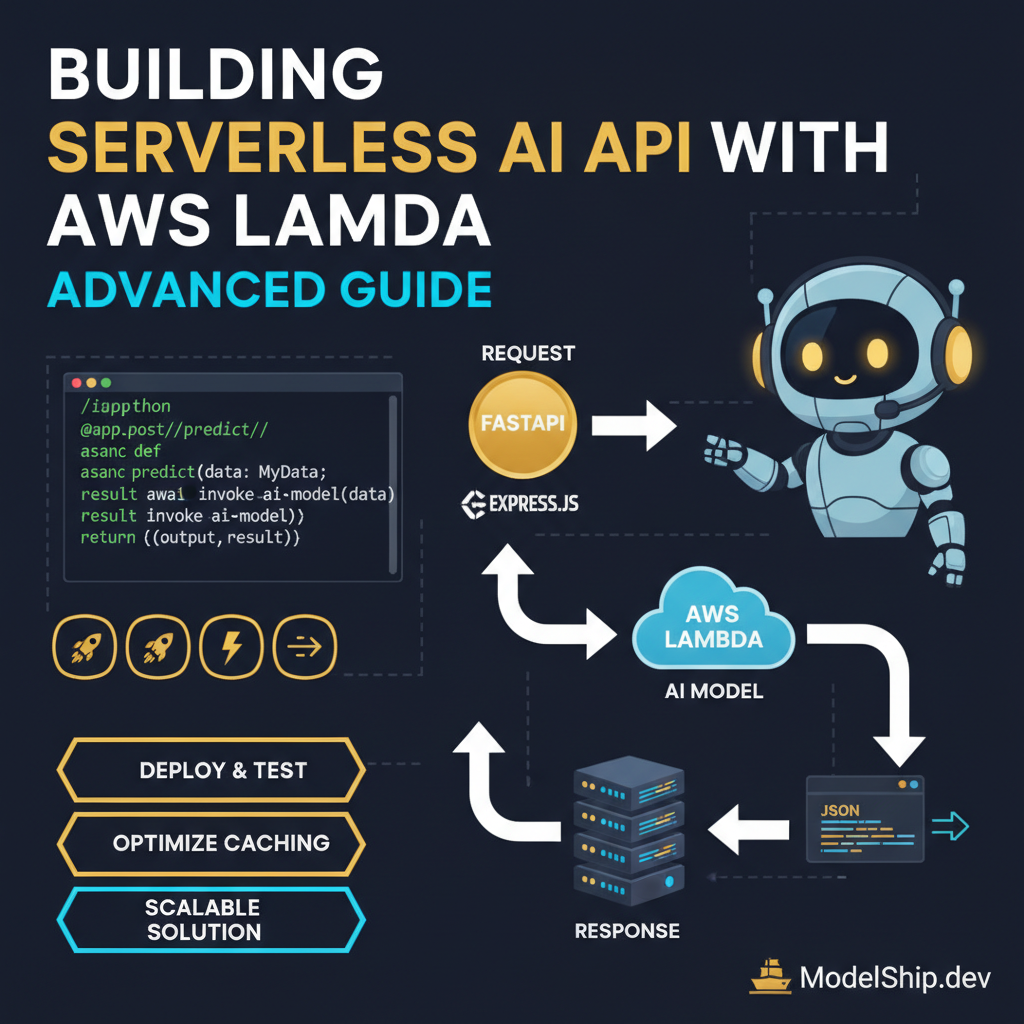
As a senior AI engineer, I've worked on numerous projects that involve deploying AI models to production. One of the most critical components of any AI deployment is the API gateway. In this guide, I'll show you how to create a scalable and secure API gateway for your AI models using AWS API Gateway.
Introduction to AWS API Gateway
AWS API Gateway is a fully managed service that makes it easy to create, publish, maintain, monitor, and secure APIs at scale. With API Gateway, you can create RESTful APIs, WebSocket APIs, and HTTP APIs, and integrate them with other AWS services, such as Lambda, S3, and DynamoDB.
Benefits of Using AWS API Gateway
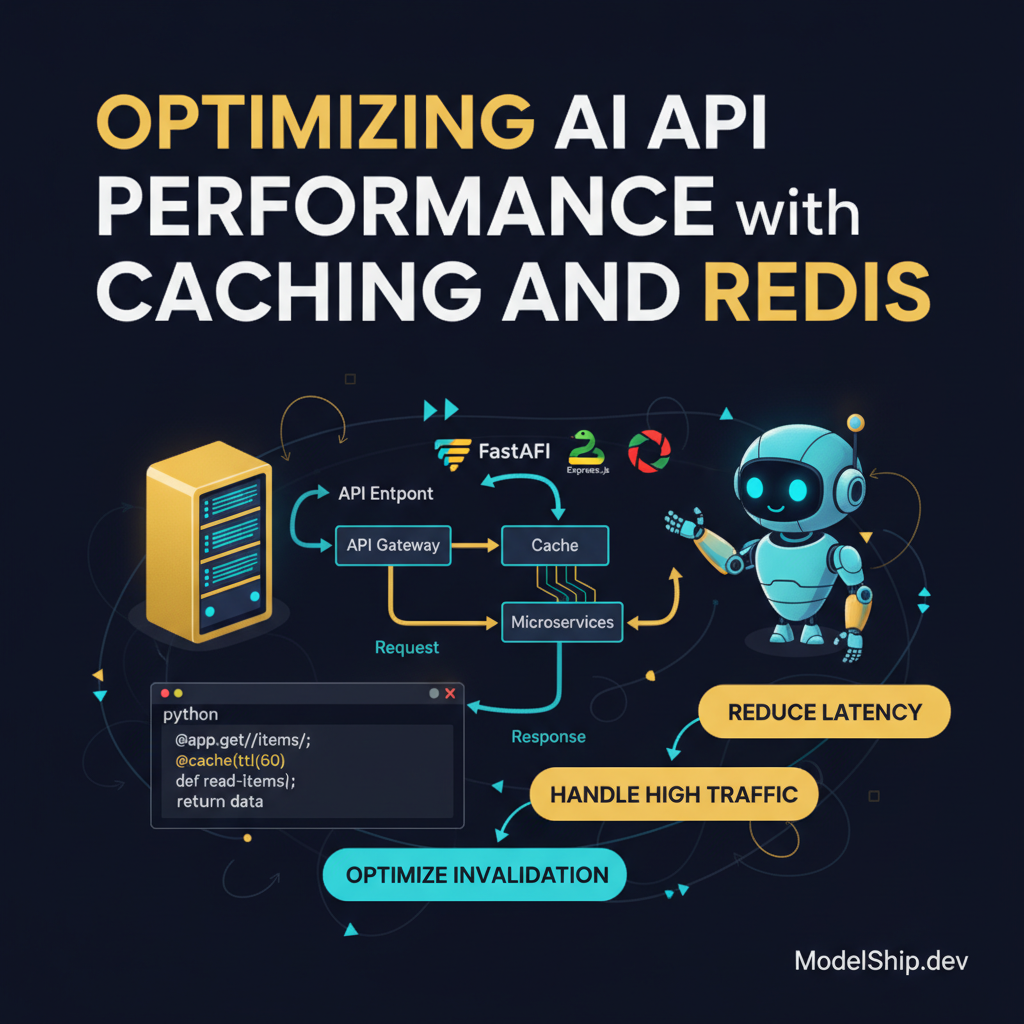
So, why should you use AWS API Gateway for your AI models? Here are a few benefits: improved scalability, enhanced security, and simplified integration with other AWS services. For example, you can use caching and Redis to optimize API performance.
Designing a Scalable API Architecture
When designing a scalable API architecture for AI models, there are a few things to keep in mind. First, you'll want to use a microservices architecture, where each service is responsible for a specific task. This makes it easier to scale and maintain your API. Second, you'll want to use a load balancer to distribute traffic across multiple instances of your API.
Implementing Load Balancing and Auto Scaling
Let me show you exactly how to implement load balancing and auto scaling using AWS API Gateway and AWS Elastic Beanstalk. Here's an example code snippet:
const express = require('express');
const app = express();
app.use(express.json());
app.post('/predict', (req, res) => {
  // Call your AI model here
  const prediction = model.predict(req.body);
  res.json({ prediction });
});
app.listen(3000, () => {
  console.log('API listening on port 3000');
});
Implementing Authentication and Authorization
Authentication and authorization are critical components of any API. With AWS API Gateway, you can use AWS IAM roles and permissions to control access to your API. You can also use JWT authentication to secure your API.
Using AWS IAM Roles and Permissions
Here's an example of how to use AWS IAM roles and permissions to control access to your API:
const AWS = require('aws-sdk');
const iam = new AWS.IAM({ region: 'us-east-1' });
const role = 'arn:aws:iam::123456789012:role/MyAPIRole';
iam.getRole({ RoleName: role }, (err, data) => {
  if (err) console.log(err);
  else console.log(data);
});
Optimizing API Performance
Optimizing API performance is critical for any AI model. With AWS API Gateway, you can use caching and content delivery networks (CDNs) to improve performance. You can also use caching and Redis to optimize API performance.
Using Caching and CDNs
Here's an example of how to use caching and CDNs to optimize API performance:
const AWS = require('aws-sdk');
const apiGateway = new AWS.APIGateway({ region: 'us-east-1' });
const cache = apiGateway.getRestApi({ restApiId: '1234567890' });
console.log(cache);
Monitoring and Debugging
Monitoring and debugging are critical components of any API. With AWS API Gateway, you can use AWS CloudWatch and X-Ray to monitor and debug your API.
Using AWS CloudWatch and X-Ray
Here's an example of how to use AWS CloudWatch and X-Ray to monitor and debug your API:
const AWS = require('aws-sdk');
const cloudWatch = new AWS.CloudWatch({ region: 'us-east-1' });
const xray = new AWS.XRay({ region: 'us-east-1' });
cloudWatch.getMetricStatistics({ Namespace: 'AWS/ApiGateway' }, (err, data) => {
  if (err) console.log(err);
  else console.log(data);
});
Answer: AWS CloudWatch and X-Ray are used to monitor and debug API Gateway.
Frequently Asked Questions
What is the difference between AWS API Gateway and AWS Elastic Beanstalk?
AWS API Gateway is a fully managed service that makes it easy to create, publish, maintain, monitor, and secure APIs at scale. AWS Elastic Beanstalk is a service that makes it easy to deploy web applications and services.
How do I integrate AWS API Gateway with other AWS services?
AWS API Gateway can be integrated with other AWS services, such as Lambda, S3, and DynamoDB, using AWS IAM roles and permissions.
What is the cost of using AWS API Gateway?
The cost of using AWS API Gateway depends on the number of API requests and the amount of data transferred. You can use the AWS Pricing Calculator to estimate the cost of using AWS API Gateway.
Conclusion
In conclusion, AWS API Gateway is a powerful tool for creating scalable and secure APIs for AI models. By following the guidelines outlined in this guide, you can create a well-designed API gateway that meets the needs of your AI model. Remember to use caching and CDNs to optimize API performance, and to monitor and debug your API using AWS CloudWatch and X-Ray. With practice and experience, you'll become proficient in using AWS API Gateway to deploy your AI models to production. For more information on designing RESTful APIs for AI models, check out our other articles on ModelShip.
7 years building production AI systems. I write about the stuff that actually works in the real world — practical code, real architectures, zero fluff.
More from Alex Chen →Discussion
Loading comments…
Leave a comment
Related Articles