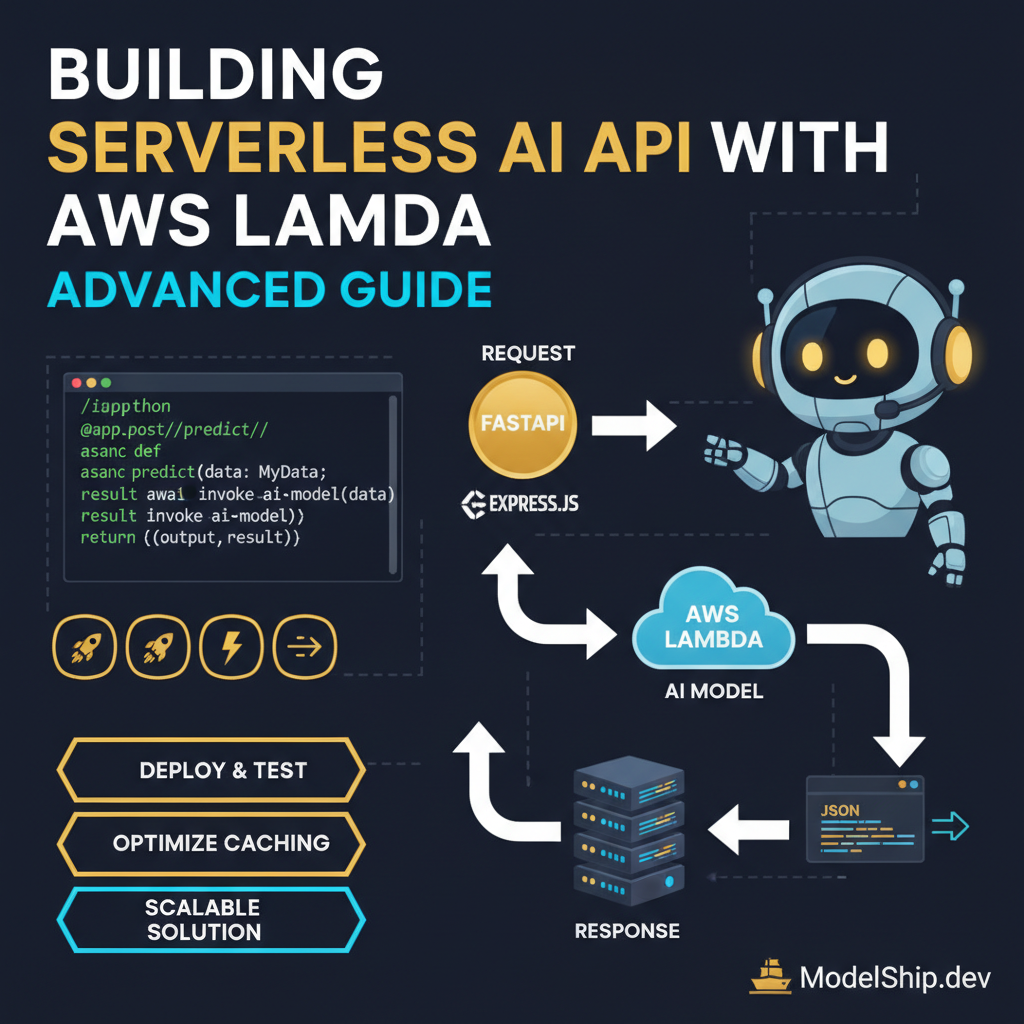
Building Serverless AI API with AWS Lambda: Advanced Guide
TL;DR
When I first learned about building serverless AI APIs, I was confused about where to start. Here's the thing nobody tells beginners: it's easier than you think to get started with AWS Lambda. Don't overthink it, just start with a simple project and build from there. In this guide, we'll walk through the process of building a serverless AI API with AWS Lambda, including designing, deploying, and testing your API. By the end of this guide, you'll have a working AI API that you can use to power your applications.
Key Takeaways
- Design a serverless AI API architecture using AWS Lambda
- Deploy and test a serverless AI API using AWS Lambda
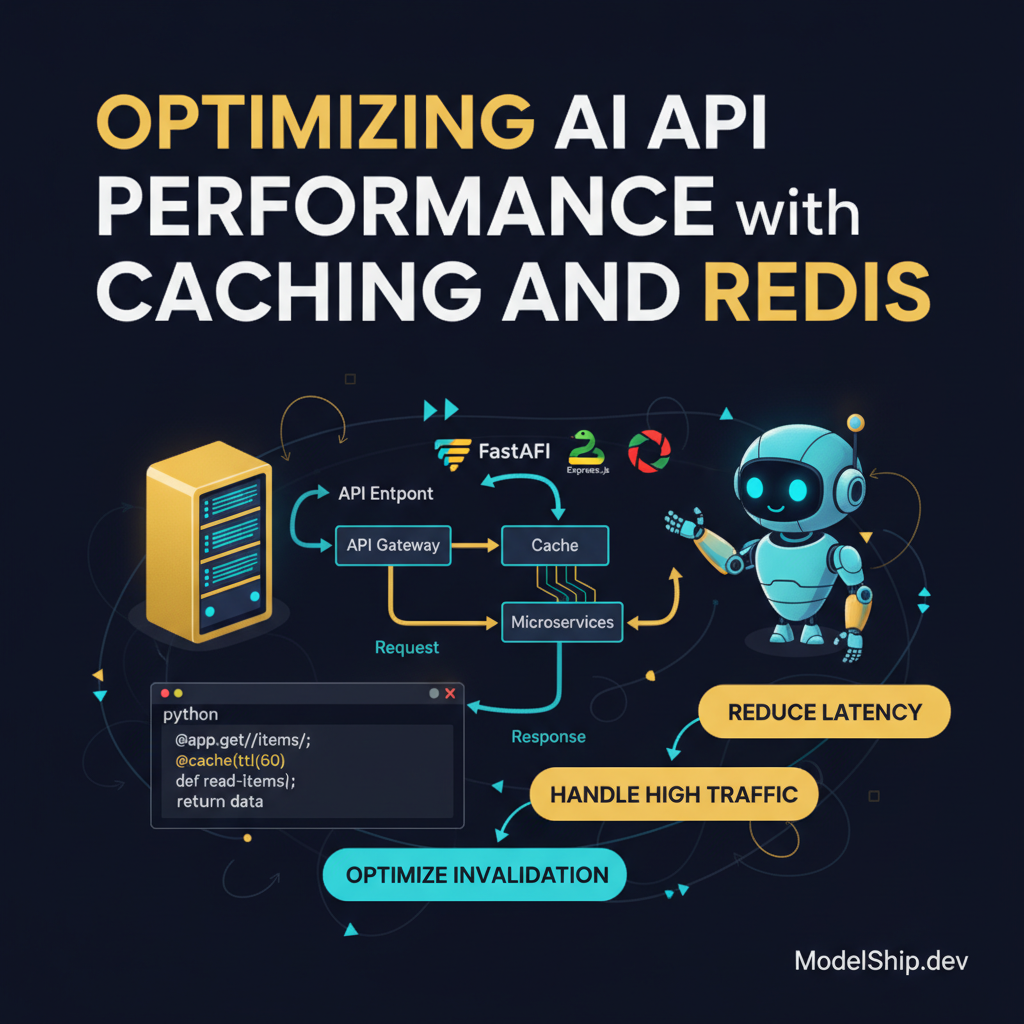
- Optimize the performance of a serverless AI API using caching and Redis
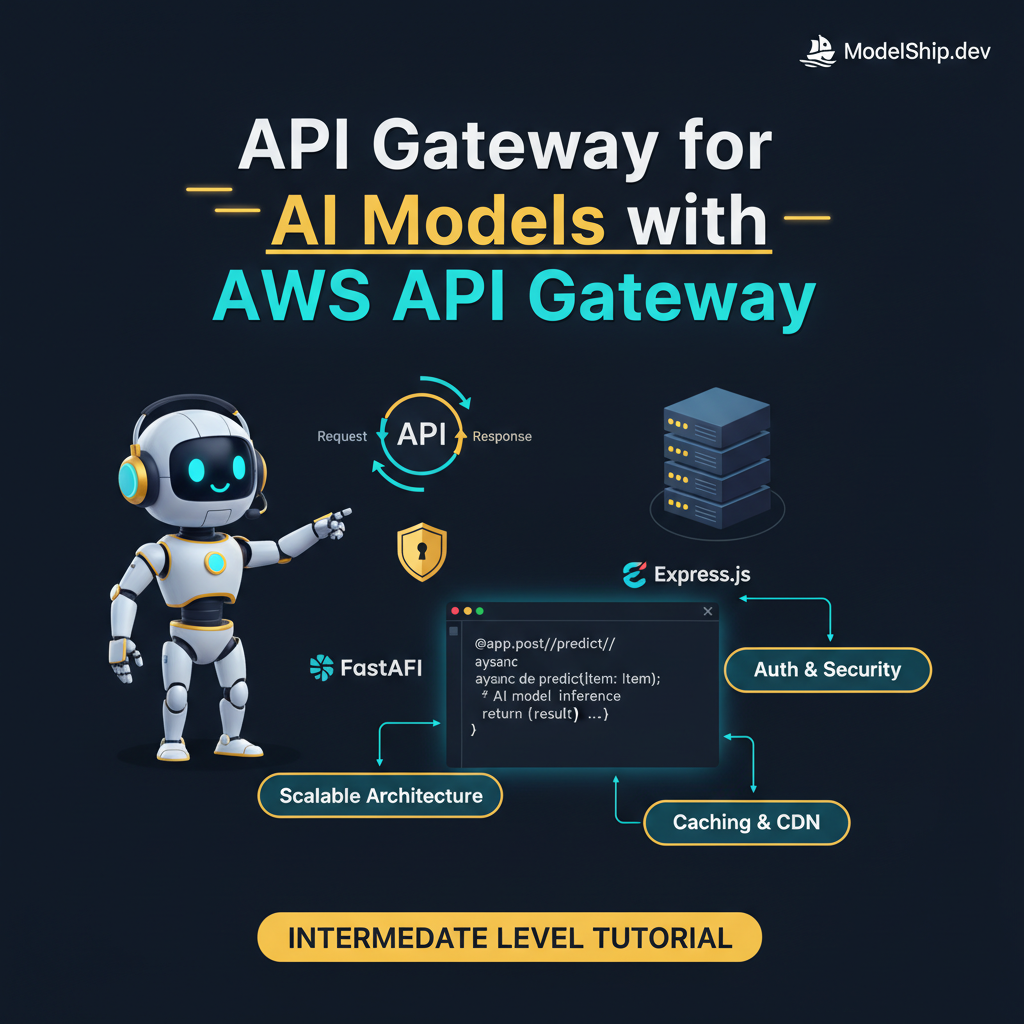
- Use API Gateway for AI models with AWS API Gateway
- Implement authentication and authorization for a serverless AI API using JWT
Introduction to Serverless AI APIs
When I first learned about serverless AI APIs, I was confused about where to start. Here's the thing nobody tells beginners: it's easier than you think to get started with AWS Lambda. Don't overthink it, just start with a simple project and build from there.
What is a Serverless AI API?
A serverless AI API is an API that uses a cloud-based platform, such as AWS Lambda, to deploy and manage AI models. This approach provides a cost-effective and scalable solution for AI model deployment, as you only pay for the compute resources used by your API.
Benefits of Serverless AI APIs
The benefits of serverless AI APIs include reduced costs, increased scalability, and improved security. With a serverless AI API, you don't have to worry about managing servers or provisioning resources, as the cloud platform handles these tasks for you.
Designing a Serverless AI API Architecture
When designing a serverless AI API architecture, you need to consider several factors, including the type of AI model you want to deploy, the expected traffic and load, and the security requirements of your API. Here's the thing nobody tells beginners: it's easier to start with a simple architecture and build from there.
Choosing an AI Model
Choosing an AI model is a critical step in designing a serverless AI API architecture. You need to consider the type of problem you want to solve, the data you have available, and the performance requirements of your API. For example, if you want to build a chatbot, you may want to use a natural language processing (NLP) model, such as DialogFlow.
Designing the API Gateway
Designing the API Gateway is another critical step in designing a serverless AI API architecture. You need to consider the security requirements of your API, including authentication and authorization. For example, you may want to use API Gateway for AI models with AWS API Gateway to manage access to your API.
Deploying a Serverless AI API
Deploying a serverless AI API involves several steps, including creating an AWS Lambda function, configuring the API Gateway, and testing the API. Don't overthink it, just start with a simple project and build from there.
Creating an AWS Lambda Function
Creating an AWS Lambda function is a critical step in deploying a serverless AI API. You need to write code for your Lambda function, which will handle requests to your API. For example, you may want to use Python to write your Lambda function.
import boto3
import json

lambda_client = boto3.client('lambda')

def lambda_handler(event, context):
    # Process the request
    request_data = json.loads(event['body'])
    # Call the AI model
    response = lambda_client.invoke(FunctionName='my-ai-model', Payload=json.dumps(request_data))
    # Return the response
    return {'statusCode': 200, 'body': json.dumps(response['Payload'].read().decode('utf-8'))}
Configuring the API Gateway
Configuring the API Gateway is another critical step in deploying a serverless AI API. You need to create an API Gateway REST API and configure it to call your Lambda function. For example, you may want to use Redis for caching to improve the performance of your API.
Testing a Serverless AI API
Testing a serverless AI API involves several steps, including testing the Lambda function, testing the API Gateway, and testing the AI model. Here's the thing nobody tells beginners: it's easier to start with a simple test and build from there.
Testing the Lambda Function
Testing the Lambda function is a critical step in testing a serverless AI API. You need to write test code for your Lambda function, which will simulate requests to your API. For example, you may want to use a testing framework, such as Pytest, to write your tests.
import pytest
import json

def test_lambda_handler():
    # Simulate a request to the API
    event = {'body': json.dumps({'input': 'Hello World'})}
    # Call the Lambda function
    response = lambda_handler(event, None)
    # Assert the response
    assert response['statusCode'] == 200
Testing the API Gateway
Testing the API Gateway is another critical step in testing a serverless AI API. You need to test the API Gateway to ensure it is calling the Lambda function correctly. For example, you may want to use a tool, such as Postman, to test the API Gateway.
Answer: The API Gateway manages access to the serverless AI API and routes requests to the Lambda function.
Optimizing the Performance of a Serverless AI API
Optimizing the performance of a serverless AI API involves several steps, including using caching, optimizing the AI model, and reducing latency. Don't overthink it, just start with a simple optimization and build from there.
Using Caching
Using caching is a critical step in optimizing the performance of a serverless AI API. You need to use a caching service, such as Redis, to store frequently accessed data. For example, you may want to use caching and Redis to improve the performance of your API.
Optimizing the AI Model
Optimizing the AI model is another critical step in optimizing the performance of a serverless AI API. You need to optimize the AI model to reduce latency and improve accuracy. For example, you may want to use a model optimization technique, such as quantization, to reduce the size of the model.
Frequently Asked Questions
What is a Serverless AI API?
A serverless AI API is an API that uses a cloud-based platform, such as AWS Lambda, to deploy and manage AI models.
How do I Deploy a Serverless AI API?
Deploying a serverless AI API involves several steps, including creating an AWS Lambda function, configuring the API Gateway, and testing the API.
How do I Optimize the Performance of a Serverless AI API?
Optimizing the performance of a serverless AI API involves several steps, including using caching, optimizing the AI model, and reducing latency.
Conclusion
In conclusion, building a serverless AI API with AWS Lambda is a cost-effective and scalable solution for AI model deployment. By following the steps outlined in this guide, you can design, deploy, and test a serverless AI API that meets your needs. Remember, don't overthink it, just start with a simple project and build from there. Let's build something real and celebrate our small wins along the way.
Self-taught Python developer who went from zero to landing a dev job in 18 months. I write tutorials I wish existed when I was starting out — clear, practical, no gatekeeping.
More from Jordan Blake →Discussion
Loading comments…
Leave a comment
Related Articles