Integrate AI Models with React and TensorFlow.js
TL;DR
Here's the thing, integrating AI models with frontend applications can be a challenge, but with React and TensorFlow.js, it's a whole lot easier. In my experience, the key is to keep it simple and focus on the implementation. This is the part most tutorials skip, but I'll show you exactly how I do it. Let me show you how to get started with integrating AI models with your React application using TensorFlow.js
Key Takeaways
- Use TensorFlow.js to load and run AI models in the browser
- Integrate AI models with React applications using TensorFlow.js
- Handle errors and exceptions when working with AI models
- Use React Hooks to manage AI model state and props
- Test and deploy AI-powered React applications
Introduction to Integrating AI Models with Frontend Applications
Here's the thing, integrating AI models with frontend applications is a key part of production-grade AI engineering. In this article, I'll show you how to integrate AI models with React applications using TensorFlow.js.
Why Use TensorFlow.js?
TensorFlow.js is a JavaScript library for machine learning and AI. It allows you to load and run AI models in the browser, making it perfect for integrating with React applications. Let me show you exactly how I use TensorFlow.js to load and run AI models in the browser.
import * as tf from '@tensorflow/tfjs';
const model = await tf.loadLayersModel('https://example.com/model.json');
Loading and Running AI Models with TensorFlow.js
In my experience, loading and running AI models with TensorFlow.js is relatively straightforward. You can use the tf.loadLayersModel function to load a model from a JSON file, and then use the model.predict function to make predictions.
Handling Errors and Exceptions
This is the part most tutorials skip, but handling errors and exceptions is crucial when working with AI models. Let me show you how I handle errors and exceptions when working with AI models.
try {
  const prediction = await model.predict(input);
  console.log(prediction);
} catch (error) {
  console.error(error);
}Integrating AI Models with React Applications
Integrating AI models with React applications is relatively straightforward. You can use React Hooks to manage AI model state and props, and then use the AI model to make predictions.
Using React Hooks to Manage AI Model State and Props
Let me show you how I use React Hooks to manage AI model state and props. You can use the useState hook to store the AI model state, and then use the useEffect hook to load the AI model.
import { useState, useEffect } from 'react';
import * as tf from '@tensorflow/tfjs';
function App() {
const [model, setModel] = useState(null);
const [input, setInput] = useState(null);
const [prediction, setPrediction] = useState(null);
useEffect(() => {
async function loadModel() {
const model = await tf.loadLayersModel('https://example.com/model.json');
setModel(model);
}
loadModel();
}, []);
const handleInput = (input) => {
setInput(input);
};
const handlePredict = () => {
if (model) {
model.predict(input).then((prediction) => {
setPrediction(prediction);
});
}
};
return (
handleInput(e.target.value)} />
{prediction && Prediction: {prediction}
}
);
}Testing and Deploying AI-Powered React Applications
Testing and deploying AI-powered React applications is crucial to ensure that your application works as expected. Let me show you how I test and deploy AI-powered React applications.
Using Jest to Test AI-Powered React Applications
Let me show you how I use Jest to test AI-powered React applications. You can use Jest to write unit tests and integration tests for your AI-powered React application.
import React from 'react';
import { render, fireEvent, waitFor } from '@testing-library/react';
import App from './App';
test('renders input field', () => {
const { getByPlaceholderText } = render(Monitoring AI Model Performance
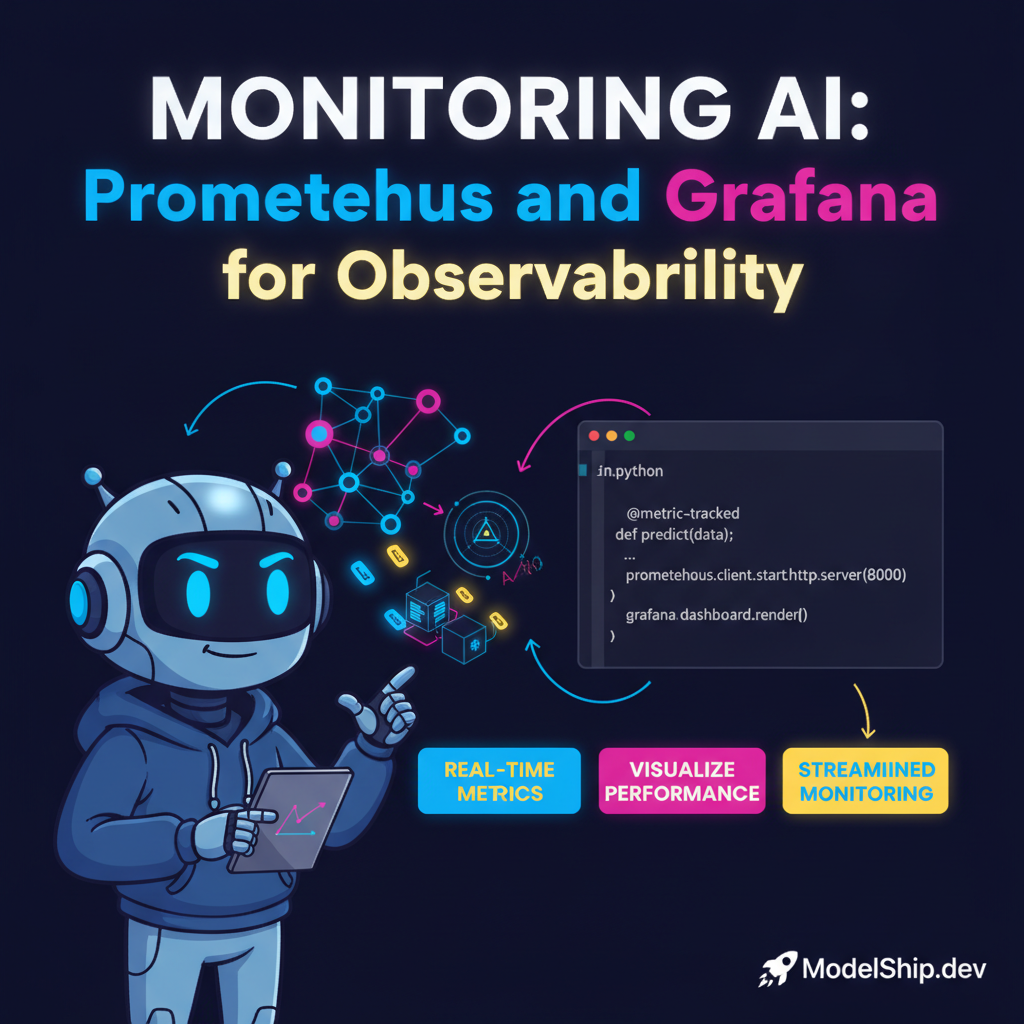
Monitoring AI model performance is crucial to ensure that your AI model is working as expected. Let me show you how I monitor AI model performance. You can use Monitoring AI Model Performance with Prometheus and Grafana to monitor your AI model performance.
Using Prometheus and Grafana to Monitor AI Model Performance
Let me show you how I use Prometheus and Grafana to monitor AI model performance. You can use Prometheus to collect metrics from your AI model, and then use Grafana to visualize the metrics.
Answer: Use Monitoring AI Model Performance with Prometheus and Grafana to monitor your AI model performance.
FAQ
What is TensorFlow.js?
TensorFlow.js is a JavaScript library for machine learning and AI. It allows you to load and run AI models in the browser.
How do I integrate AI models with React applications?
You can integrate AI models with React applications using TensorFlow.js. Let me show you exactly how I do it. You can use React Hooks to manage AI model state and props, and then use the AI model to make predictions.
What is the best way to monitor AI model performance?
The best way to monitor AI model performance is to use Monitoring AI Model Performance with Prometheus and Grafana or Monitoring AI Model Drift with Prometheus and Grafana. You can also use Securing LLM APIs with OAuth and JWT to secure your AI model API.
Conclusion
In conclusion, integrating AI models with React applications using TensorFlow.js is a powerful way to build AI-powered React applications. By following the tips and best practices outlined in this article, you can build efficient and scalable AI-powered React applications. Remember to always handle errors and exceptions, use React Hooks to manage AI model state and props, and test and deploy your AI-powered React application. You can also use Scalable AI Data Pipeline with Apache Beam to design a scalable AI data pipeline.
7 years building production AI systems. I write about the stuff that actually works in the real world — practical code, real architectures, zero fluff.
More from Alex Chen →Discussion
Loading comments…
Leave a comment
Related Articles