Deploying AI Models to Edge Devices with TensorFlow Lite
TL;DR
Skip the theory, here's what works: use TensorFlow Lite for edge AI deployments. I've been burned by this exact mistake - not optimizing models for edge devices. Production tip: always test your models on the target hardware. Here's the tradeoff nobody talks about: model accuracy vs. edge device resources. Most engineers get this wrong: assuming that cloud-trained models will work seamlessly on edge devices.
Key Takeaways
- Optimize AI models for edge devices using TensorFlow Lite
- Set up Raspberry Pi for efficient edge AI inference
- Test models on target hardware to ensure compatibility
- Balance model accuracy with edge device resources
- Use tools like <a href='/blog/automating-llm-testing-with-pytest-and-hypothesis'>Automating LLM Testing with Pytest and Hypothesis</a> for robust testing
Introduction to Edge AI Deployments
Edge AI deployments are becoming increasingly popular, and for good reason. By deploying AI models directly to edge devices, we can reduce latency, improve real-time processing, and enhance overall system efficiency. In this article, we'll explore how to deploy AI models to edge devices using TensorFlow Lite and Raspberry Pi.
Setting Up Raspberry Pi for Edge AI
Before we dive into the deployment process, let's set up our Raspberry Pi for edge AI inference. This includes installing the necessary dependencies, configuring the device, and ensuring that it's properly connected to our network.
Installing Dependencies
We'll need to install TensorFlow Lite and other required dependencies on our Raspberry Pi. This can be done using the following commands:
sudo apt-get update
sudo apt-get install python3-pip
pip3 install tensorflow-lite
Configuring the Device
Next, we'll need to configure our Raspberry Pi to optimize its performance for edge AI inference. This includes adjusting the device's settings to prioritize processing power and memory allocation.
Optimizing AI Models for Edge Devices
Once our Raspberry Pi is set up, we can focus on optimizing our AI models for edge devices. This involves using tools like TensorFlow Lite to convert our models into a format that's compatible with edge devices.
Converting Models with TensorFlow Lite
We can use the TensorFlow Lite converter to optimize our models for edge devices. This process involves converting our models into a .tflite format that's compatible with TensorFlow Lite.
import tensorflow as tf
model = tf.keras.models.load_model('model.h5')
converter = tf.lite.TFLiteConverter.from_keras_model(model)
tflite_model = converter.convert()
Testing Models on Target Hardware
After converting our models, we need to test them on our target hardware to ensure compatibility and optimal performance. This involves deploying our models to our Raspberry Pi and testing them using real-world data.
Deploying AI Models to Edge Devices
Now that we've optimized and tested our models, we can deploy them to our edge devices. This involves using tools like TensorFlow Lite to run our models on our Raspberry Pi.
Running Models with TensorFlow Lite
We can use the TensorFlow Lite interpreter to run our models on our Raspberry Pi. This involves loading our .tflite model and using it to make predictions on real-world data.
import tensorflow as tf
interpreter = tf.lite.Interpreter(model_path='model.tflite')
interpreter.allocate_tensors()
input_details = interpreter.get_input_details()
output_details = interpreter.get_output_details()
Integrating with Other Tools and Frameworks
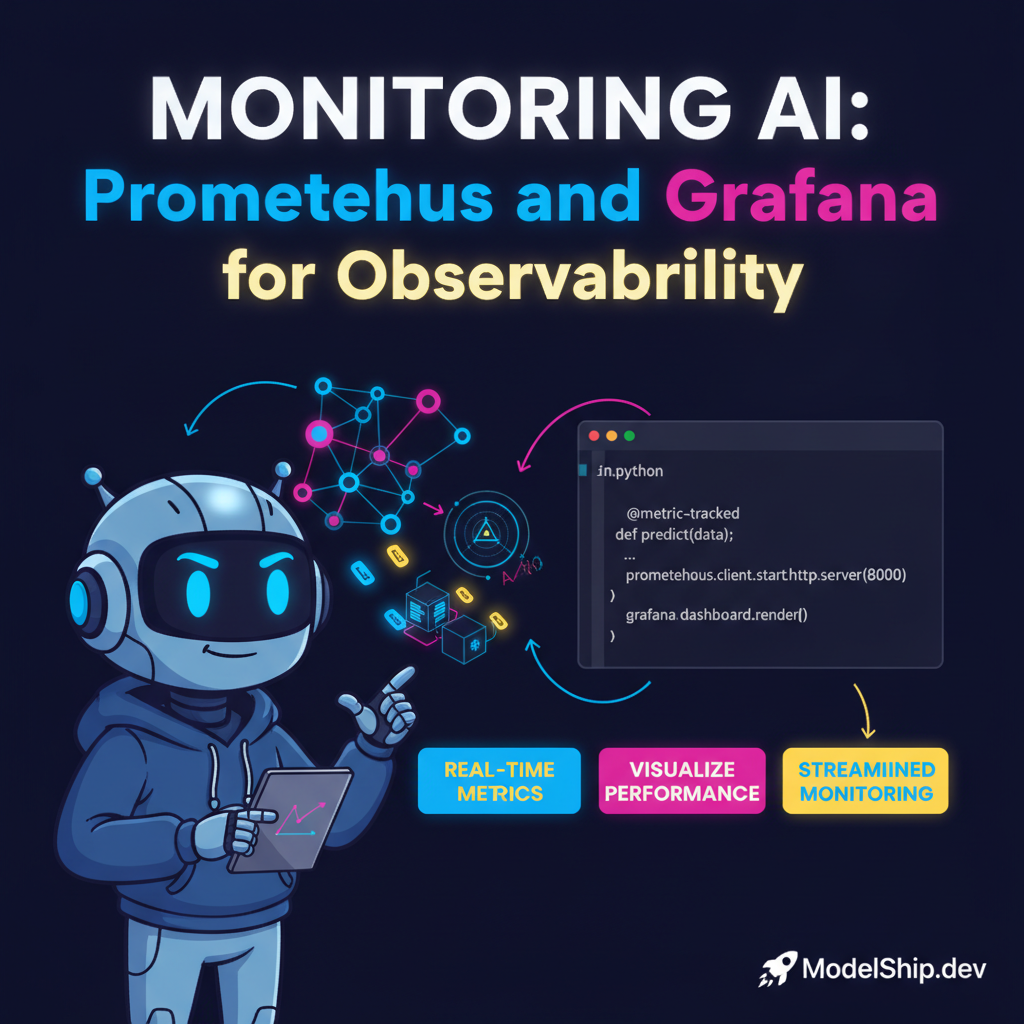
We can also integrate our edge AI deployments with other tools and frameworks, such as Integrating LLMs with Graph Databases using Amazon Neptune or Monitoring AI Model Performance with Prometheus and Grafana.
Common Pitfalls and Challenges
When deploying AI models to edge devices, there are several common pitfalls and challenges to watch out for. These include model drift, data quality issues, and device resource constraints.
Model Drift and Data Quality Issues
Model drift occurs when our models become outdated or less accurate over time. Data quality issues can also affect our model's performance and accuracy.
Device Resource Constraints
Edge devices often have limited resources, including processing power, memory, and storage. We need to be mindful of these constraints when deploying our models to ensure that they run efficiently and effectively.
Frequently Asked Questions
What is TensorFlow Lite?
TensorFlow Lite is a lightweight version of the TensorFlow framework that's designed for edge devices and mobile applications.
How do I optimize my AI models for edge devices?
You can optimize your AI models for edge devices by using tools like TensorFlow Lite to convert them into a format that's compatible with edge devices.
What are the benefits of deploying AI models to edge devices?
The benefits of deploying AI models to edge devices include reduced latency, improved real-time processing, and enhanced overall system efficiency.
Conclusion
In conclusion, deploying AI models to edge devices using TensorFlow Lite and Raspberry Pi is a powerful way to improve system efficiency and reduce latency. By following the steps outlined in this article and being mindful of common pitfalls and challenges, you can successfully deploy your AI models to edge devices and achieve real-time processing and analysis.
Built and scaled AI systems that handle millions of requests. I write about what separates tutorial AI from production AI — the hard lessons, the battle-tested patterns.
More from Marcus Lee →Discussion
Loading comments…
Leave a comment
Related Articles